



Acceptați plăți cu PayPal
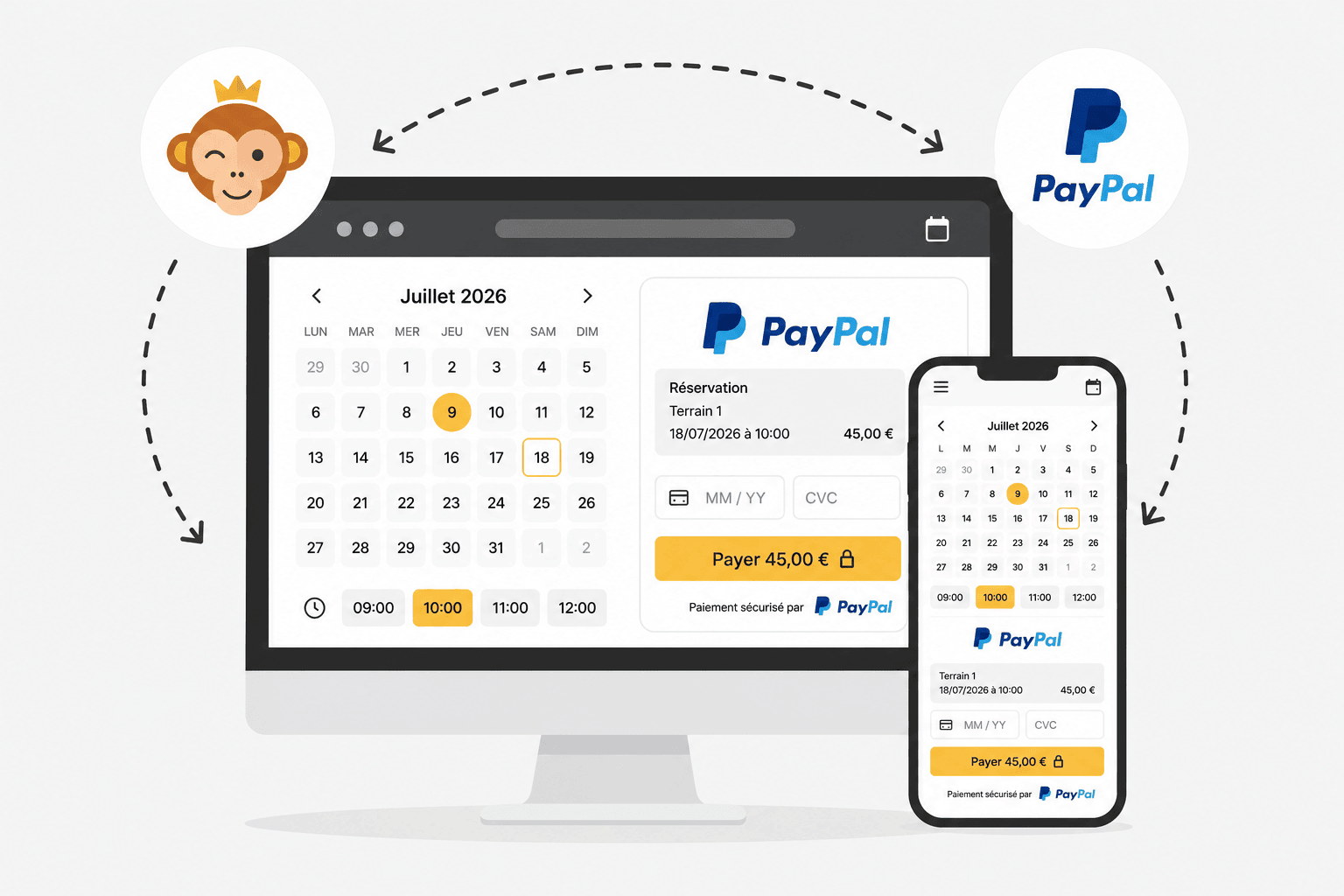
PayPal este o soluție de plată simplă de configurat. Utilizatorii care au un cont PayPal plătesc cu datele lor de conectare; ceilalți pot plăti direct cu cardul bancar, fără să creeze un cont. Plățile ajung în contul dumneavoastră PayPal, de unde le puteți transfera ulterior în contul bancar.
Cerințe preliminare
Un cont PayPal Business (profesional), pe numele organizației dumneavoastră. PayPal vă poate cere informații suplimentare pentru a-l valida: actul de identitate al reprezentantului, dovada domiciliului, un document oficial al organizației (statut, cod de înregistrare fiscală…) și datele bancare.
Conectarea contului PayPal
- Accesați Administrare›Setări›Facturare›Conturi de facturare, deschideți contul de facturare vizat și mergeți la fila Plăți.
- Activați Plăți online și selectați PayPal din lista de gateway-uri de plată. Dacă nu aveți încă un cont, faceți clic pe Creați un cont PayPal.
- Completați E-mail comerciant PayPal: aceasta trebuie să corespundă adresei contului dumneavoastră PayPal Business validat.
- Opțional, activați Modul sandbox (test PayPal) pentru a testa procesul de plată fără mișcări reale de bani.
- Faceți clic pe Salvează, apoi folosiți Testează conexiunea pentru a verifica dacă totul funcționează.
Un link Ajutor online prezent direct în formular detaliază tarifele și etapele de conectare.

Cum se desfășoară plata pentru utilizator
În momentul plății, utilizatorul alege Plată online, apoi este redirecționat către paypal.com pentru a plăti cu contul său PayPal sau direct cu cardul bancar.
