



Închiriați intervalele orare libere cu Anybuddy
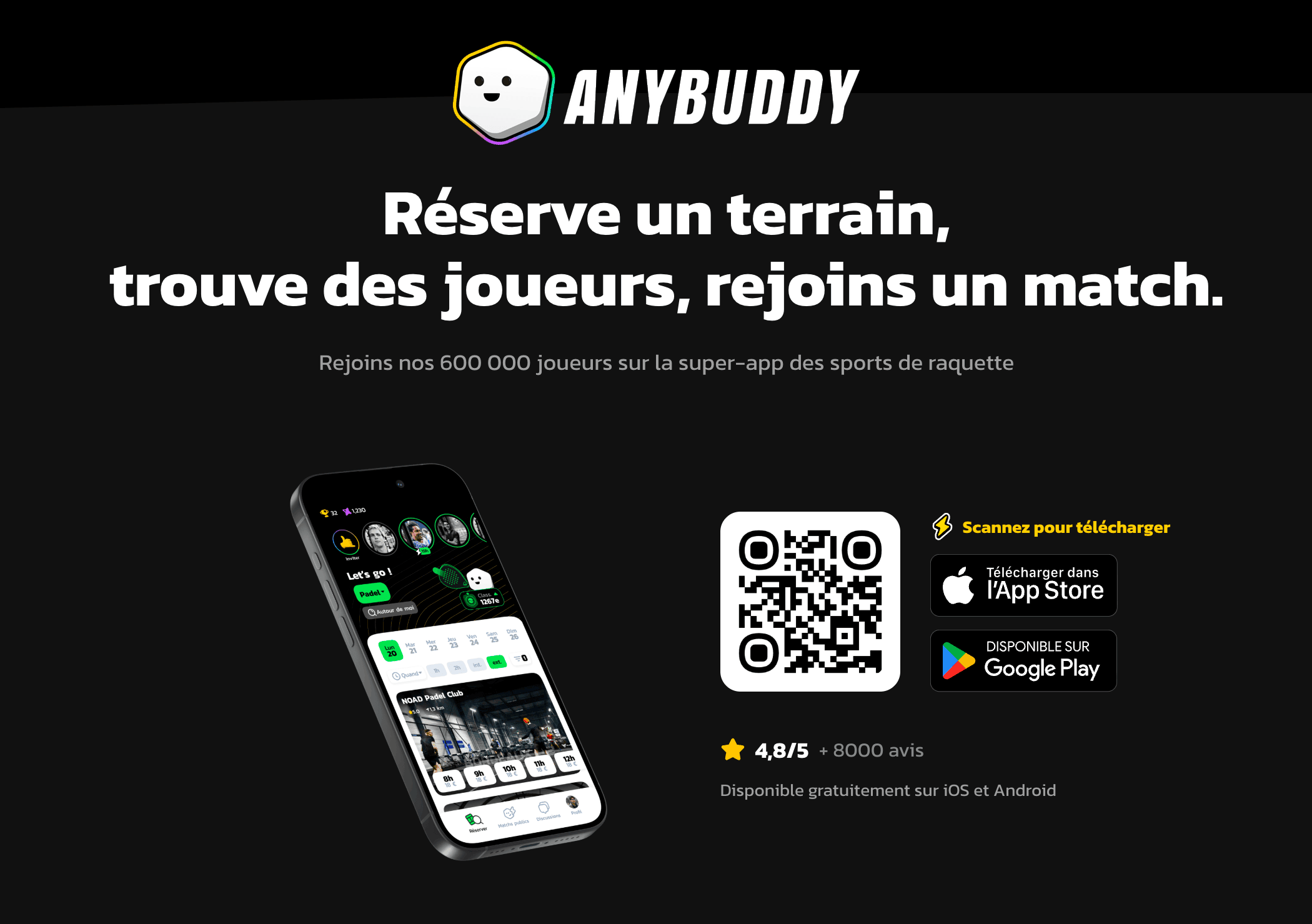
Anybuddy este o aplicație partener care pune terenurile dumneavoastră disponibile spre închiriere către o comunitate largă de jucători din exterior. Intervalele orare închiriate apar în calendarele dumneavoastră ca rezervări obișnuite, fără muncă suplimentară pentru organizație.
Înțelegeți avantajul pentru organizație
Un teren gol marți la ora 14:00 nu aduce nimic. Anybuddy vă permite să îl propuneți unor jucători care nu sunt membri, la tariful stabilit de dumneavoastră, fără să gestionați relația cu clientul sau încasarea.
Păstrați controlul asupra ceea ce deschideți: alegerea calendarelor, intervalele orare și prețurile vă aparțin, iar intervalele orare rezervate de membrii dumneavoastră nu sunt niciodată propuse.
Înscrieți organizația dumneavoastră
- Accesați Administrare›Setări›Rezervare›Aplicația Anybuddy.
- Activați Activați modulul Anybuddy.
- Completați datele de contact ale organizației, cele ale responsabilului și datele dumneavoastră bancare.

Deschideți calendarele spre închiriere
Activați fiecare calendar pe care doriți să îl propuneți, apoi descrieți-l: precizați amplasarea (interior sau exterior), suprafața și adăugați o fotografie. Aceste informații sunt cele pe care le vor vedea jucătorii în momentul alegerii.
Stabiliți tarifele
Cu Adăugați un tarif, definiți un interval orar, zilele săptămânii vizate și prețul în funcție de durata intervalului orar.
Nimic nu vă obligă la un tarif unic: o grilă mai mică în timpul zilei și mai mare seara reflectă realitatea cererii, iar terenurile dumneavoastră sunt libere tocmai în timpul zilei.
Urmăriți publicarea
Faceți clic pe Salvează: echipa Anybuddy primește informațiile dumneavoastră și vă contactează pentru a finaliza publicarea.
Statusul afișat în partea de sus a ecranului indică stadiul în care vă aflați: Informații trimise, apoi În așteptare, apoi Online atunci când organizația dumneavoastră este disponibilă în aplicație.
