



Accept payments with HelloAsso
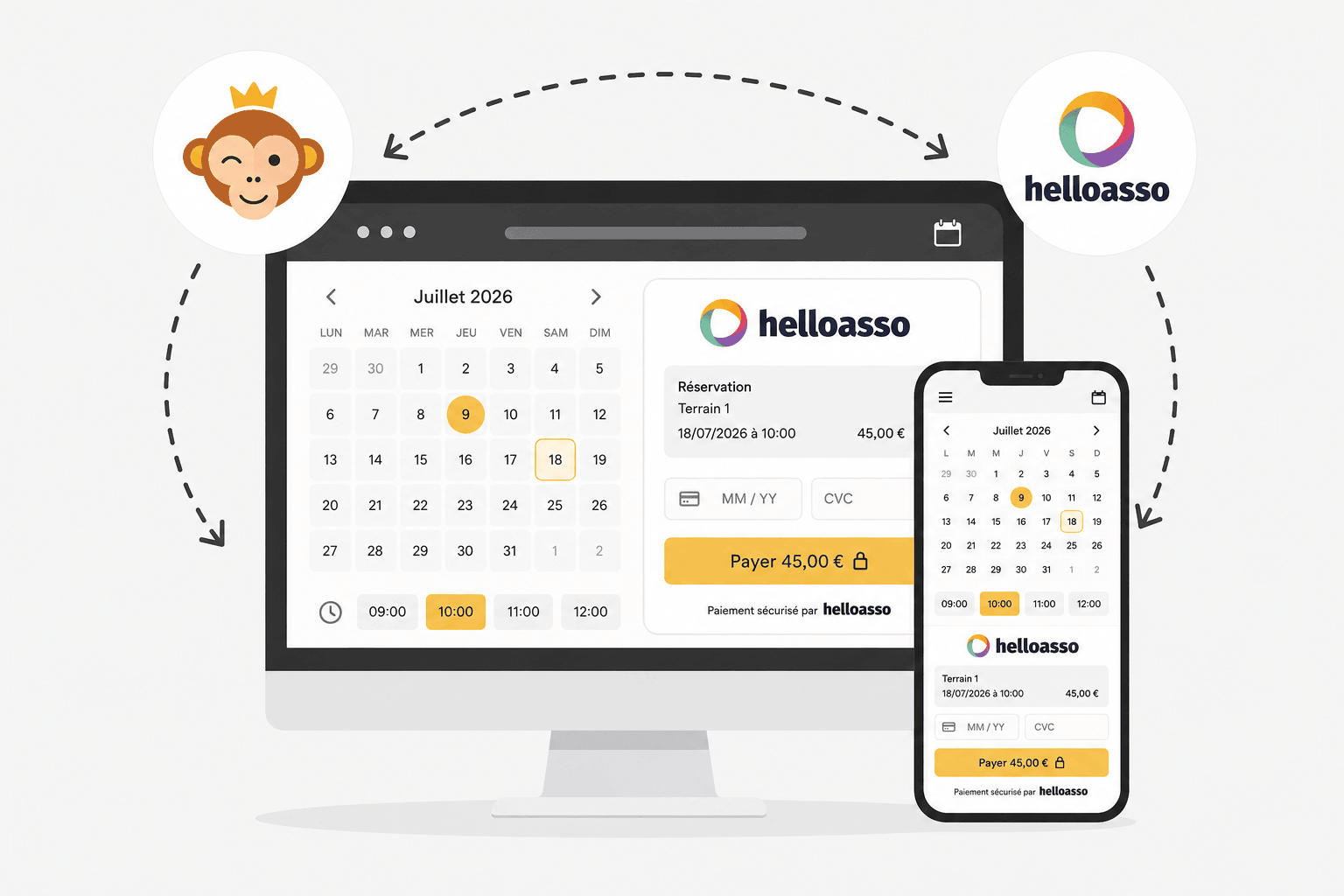
HelloAsso is a payment solution dedicated to French associations. Your users pay by bank card; the funds are then transferred to your association's bank account, with no commission charged by HelloAsso.
Requirements
Your organization must be a French association, with a HelloAsso account in its name (to be created if you do not have one yet).
Connecting your HelloAsso association
- Go to Administration›Settings›Billing›Billing Accounts, open the billing account concerned and go to the Payments tab.
- Enable Online Payments and select HelloAsso from the list of payment gateways. If you do not have an account yet, click on Create a HelloAsso Account.
- Click on Save: the connection button then appears on the page.
- Click on Connect my association HelloAsso. A new tab opens to HelloAsso so you can authorise your organization to accept payments on behalf of your association. There are no credentials to enter: the connection is established automatically and can be revoked at any time from your HelloAsso area.
- Back on this page, the association appears as connected. Use Test the connection to check that everything works.
A Online Help link directly in the form details the pricing and the connection steps.

Understanding the payment from the user's side
When paying, the user chooses Online Payment and is then redirected to a secure HelloAsso payment page to pay by bank card. A message informs them that 100% of their payment goes to your association, and offers them the option of leaving a voluntary contribution to HelloAsso: this contribution remains optional and is never deducted from the amount due to your organization.
Refunding a payment
The refund is started from Administration›Dashboard›Billing›Invoices & Transactions: open the order concerned and choose the refund, full or partial.
Two things then happen: your order is updated, and a call is sent to HelloAsso to actually refund the payer.
The update depends on the amount. A full refund withdraws the items delivered — credits returned, subscription revoked — and sets the order to "refunded". A partial refund leaves the items delivered in place and the order paid: it only records a negative entry that reduces the amount collected.
Refunding from HelloAsso rather than from here
You can just as easily start the refund from the HelloAsso back office. It then informs us automatically, and your order is updated as if you had gone through OpenResa: status, credit note, items delivered.
Both routes lead to the same result. Take the one that suits you — but only one of the two.
If the payment gateway does not respond
A refund started from OpenResa takes place in two independent stages, and the second one may fail even though the first one succeeded: your order is set to refunded, but the money remains collected at HelloAsso.
A message then explicitly informs you of this and invites you to complete the operation from the HelloAsso back office. This is the only case where you need to act on both sides.
