



Pieņemt maksājumus ar Stripe
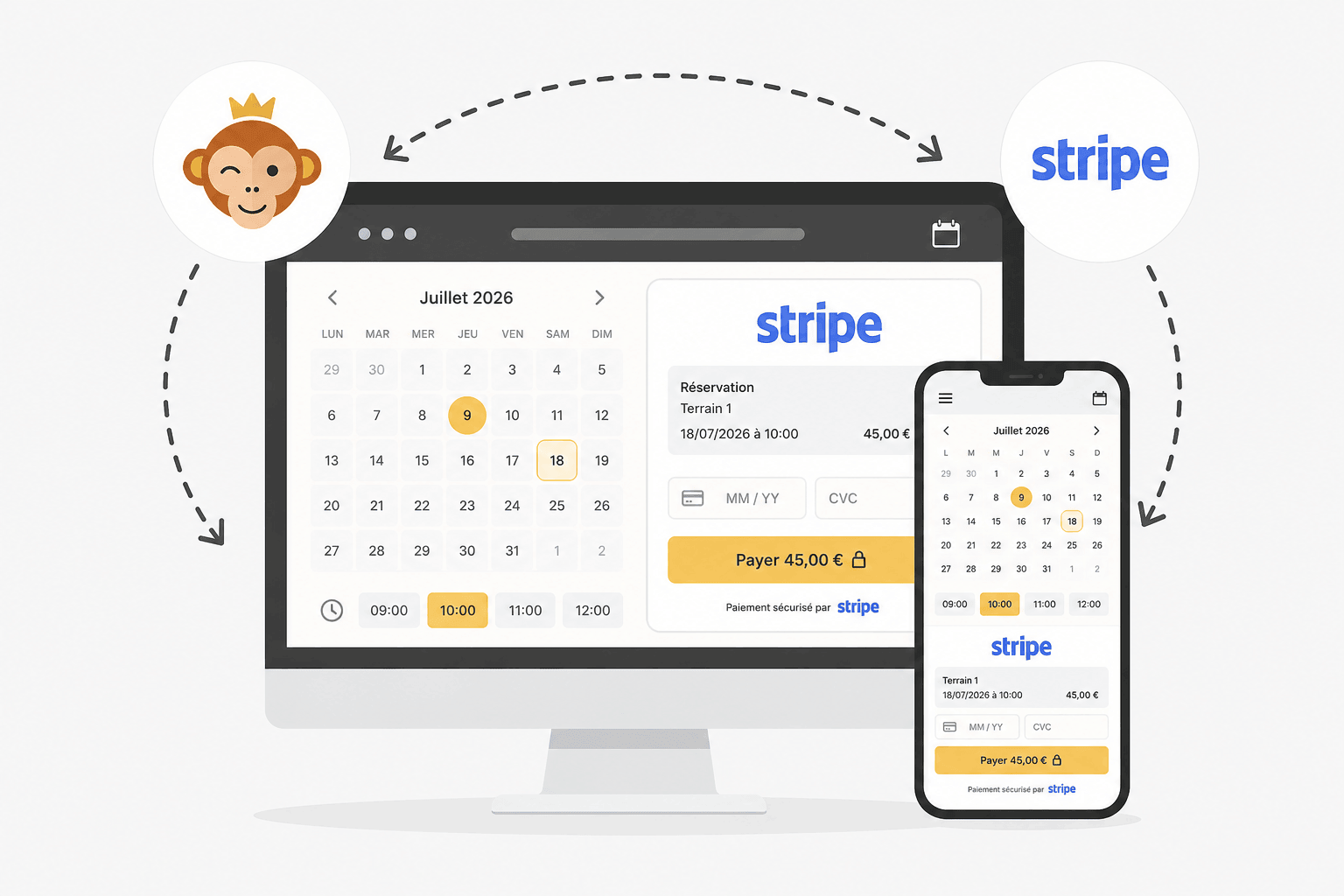
Stripe ir maksājumu risinājums ar bankas karti, kas ir piemērots lielākajai daļai organizāciju un pieejams vairumā valstu. Jūsu lietotāji norēķinās tieši ar karti drošā maksājumu lapā, un viņiem nav jāizveido konts.
Priekšnosacījumi
Ja jums jau ir Stripe konts, sagatavojiet tā pieteikšanās datus. Pretējā gadījumā nekādas iepriekšējas darbības nav vajadzīgas: Stripe jūs izvedīs cauri jūsu organizācijas konta izveidei tieši savienošanas laikā.
Sava Stripe konta pievienošana
- Dodieties uz Administrācija›Iestatījumi›Norēķini›Norēķinu konti, atveriet attiecīgo norēķinu kontu un pārejiet uz cilni Maksājumi.
- Aktivizējiet Tiešsaistes maksājumi, maksājumu vārteju sarakstā izvēlieties Stripe, pēc tam noklikšķiniet uz Saglabāt: lapā parādīsies savienošanas poga.
- Noklikšķiniet uz Savienot manu Stripe kontu, ja jums jau ir konts, vai uz Izveidot un savienot Stripe kontu, lai to izveidotu uzreiz: abas iespējas ir piedāvātas blakus. Atvērsies jauna cilne ar drošu Stripe lapu, kurā varēsiet pieteikties (vai norādīt savas organizācijas informāciju) un atļaut savienojumu.
- Atgriežoties šajā lapā, konts būs redzams kā savienots. Izmantojiet Pārbaudīt savienojumu, lai pārbaudītu, vai viss darbojas.
Saite Tiešsaistes palīdzība tieši veidlapā sniedz sīkāku informāciju par cenām un savienošanas soļiem.

Kā maksājums notiek lietotāja pusē
Maksājuma brīdī lietotājs izvēlas Tiešsaistes maksājums un tiek novirzīts uz drošu Stripe maksājumu lapu. Tur viņš norēķinās ar bankas karti; elektroniskie maki (Apple Pay, Google Pay) šajā lapā tiek piedāvāti automātiski atkarībā no viņa ierīces, un jums nekas papildus nav jāiestata. Kad maksājums ir veikts, viņš automātiski atgriežas organizācijas lapā.
Maksājuma atmaksāšana
Atmaksa tiek sākta no Administrācija›Informācijas panelis›Norēķini›Rēķini un darījumi: atveriet attiecīgo pasūtījumu un izvēlieties atmaksu — pilnu vai daļēju.
Tad notiek divas lietas: jūsu pasūtījums tiek atjaunināts, un uz Stripe tiek nosūtīts pieprasījums, lai maksātājam patiešām atmaksātu naudu.
Atjaunināšana ir atkarīga no summas. Pilna atmaksa atsauc piegādātos labumus — kredīti tiek atdoti, abonements atsaukts — un pasūtījums iegūst statusu «atmaksāts». Daļēja atmaksa atstāj piegādātos labumus spēkā, un pasūtījums paliek apmaksāts: tiek reģistrēts tikai negatīvs ieraksts, kas samazina iekasēto summu.
Atmaksa no Stripe, nevis no šejienes
Atmaksu tikpat labi varat sākt no Stripe administrācijas vides. Tā mūs par to informē automātiski, un jūsu pasūtījums tiek atjaunināts tāpat, it kā jūs to būtu darījis OpenResa: statuss, kredītrēķins, piegādātie labumi.
Abi ceļi noved pie viena rezultāta. Izvēlieties sev ērtāko — bet tikai vienu no abiem.
Ja maksājumu vārteja neatbild
Atmaksa, kas sākta no OpenResa, notiek divos neatkarīgos posmos, un otrais var neizdoties, kaut arī pirmais ir izdevies: jūsu pasūtījums kļūst atmaksāts, taču nauda paliek iekasēta Stripe pusē.
Tādā gadījumā jums par to skaidri paziņo ziņojums, kas aicina pabeigt darbību Stripe administrācijas vidē. Šis ir vienīgais gadījums, kad jārīkojas abās pusēs.
