



Payments & billing
Set up your billing accounts and your catalogue, sell and collect payments day to day, then track your revenue.
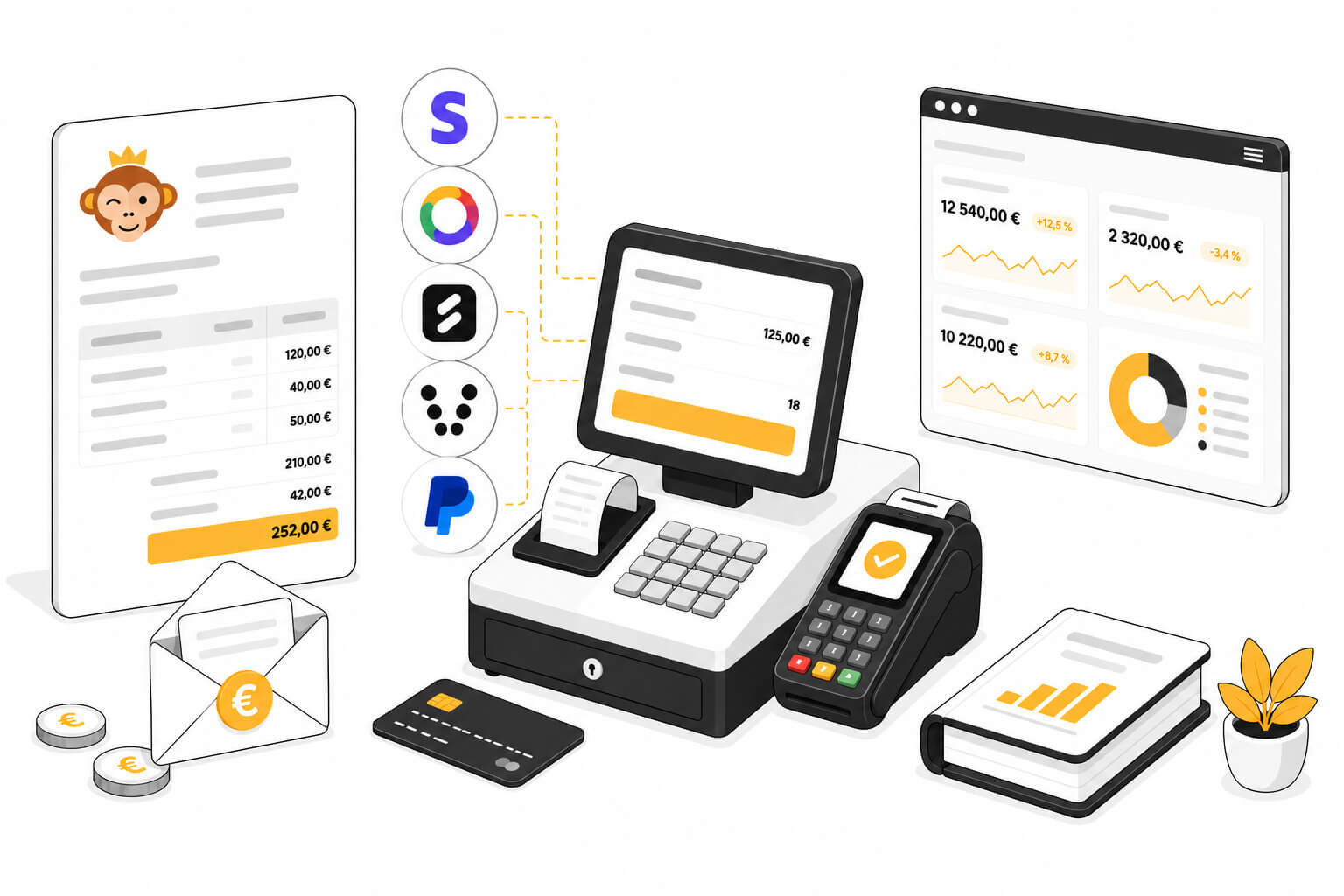
Configuration
Billing accounts
The billing account carries the identity that issues your invoices (contact details, numbering) and the payment methods offered to your users. Create several accounts if your organization invoices from several entities.
Products & services
The catalogue brings together everything your organization sells: booking credits, subscriptions, equipment, food & drink, tournaments, lessons, training camps, and more. It feeds the user cart, the cash register and manual orders.
Promotional codes
Create discount codes that your users enter at payment time: percentage or fixed amount, validity period, usage limits and adjustable scope.
Sales & payment collection
Invoices & transactions
Track all your organization's sales documents — quotes, orders and invoices — collect payments, issue refunds and export your sales for accounting. Go to the Administration›Dashboard›Billing›Invoices & Transactions menu.
Offer payment in instalments
Spread the payment of a subscription or a course over several instalments: either by letting the user choose at the time of payment, or by building a tailor-made payment schedule yourself from the order.
Cash register
Sell at the counter without going through the creation of an order: build your customer's cart using touch tiles, then take their payment. Go to the Administration›Dashboard›Billing›Cash Register menu.
Online Shop
Offer your products on your organization's home page: equipment, food & drink, tournaments, lessons, training camps, credits… Visitors browse the shop freely, and logged-in users add items to the cart and then pay online.
Activities & Revenue
The sales dashboard shows collected revenue, the breakdown by product and subscription, payment methods, VAT collected, and seasonal trends.
Accounting & Audit
Set up your organization's chart of accounts, export your entries to your accountant's software, enable electronic invoicing in the Factur-X format, and find the documents the tax authorities may ask you for: certificate, event log, closings and archives.
Selling Subscriptions Online
Let your users take out and renew their Subscription themselves, with immediate payment and automatic assignment of rights. There are two ways to sell: by duration, or by season.
Charging for bookings
Charge credits for each booking: your users top up their account in advance, or pay directly when they book. Here is how to set your prices, sell credits and track bookings awaiting payment.
Share the cost of bookings
A parent who pays for their children's games, a coach who books for their students, a user who treats a friend to a game: choose, subscription by subscription, who pays for a booking with several players. Then see what is credited back when the booking changes.
Have guests pay by link
A user books with a friend from outside the organization. Instead of paying for the guest pass, the user can let the friend pay their own share online, without creating an account. This page explains how to enable payment by link, where the money goes and how to track these payments.
Activate Wallet mode
In Wallet mode, 1 credit is worth €1 (or one unit of your currency), so your subscribers see their prices and balance directly in money. A subscription whose credit is worth a different amount switches over in a single operation. This operation converts balances, prices, credit offers and upcoming bookings that are already paid. Nobody gains or loses anything.
Payment gateways
Accept payments with Stripe
Stripe is a bank card payment solution suited to most organizations, available in the majority of countries. Your users pay directly by card, without needing to create an account, on a secure payment page.
Accept payments with HelloAsso
HelloAsso is a payment solution dedicated to French associations. Your users pay by bank card; the funds are then transferred to your association's bank account, with no commission charged by HelloAsso.
Accept payments with SumUp
SumUp is an online payment solution with no subscription or commitment, widely used by organizations and local businesses. Your users pay by bank card, Apple Pay or Google Pay on a secure payment page, and the funds are transferred to your bank account.
Accept payments with PayFiP
PayFiP is the online payment service of the French Public Finances Directorate General (DGFiP), reserved for local authorities' revenue collection offices. Your users pay by bank card or by direct debit on the State's payment page, and the funds are paid into the cash officer's Treasury deposit account. OpenResa takes no commission on these payments.
Accept payments with Verifone (Paybox)
Verifone e-commerce, formerly Paybox, is a payment platform connected directly to your organization's bank account. It works with every bank in France and is also suitable for public bodies (town halls, communities of municipalities, etc.).
Accept payments with PayPal
PayPal is a payment solution that is easy to set up. Users with a PayPal account pay with their login details. Others can pay directly by card without creating an account. Payments arrive in your PayPal account, which you can then transfer to your bank account.
Rent out available time slots with Anybuddy
Anybuddy is a partner application that offers your available courts for rent to a large community of outside players. Rented time slots appear in your calendars just like ordinary bookings, with no extra work for the organization.
