



Rent out available time slots with Anybuddy
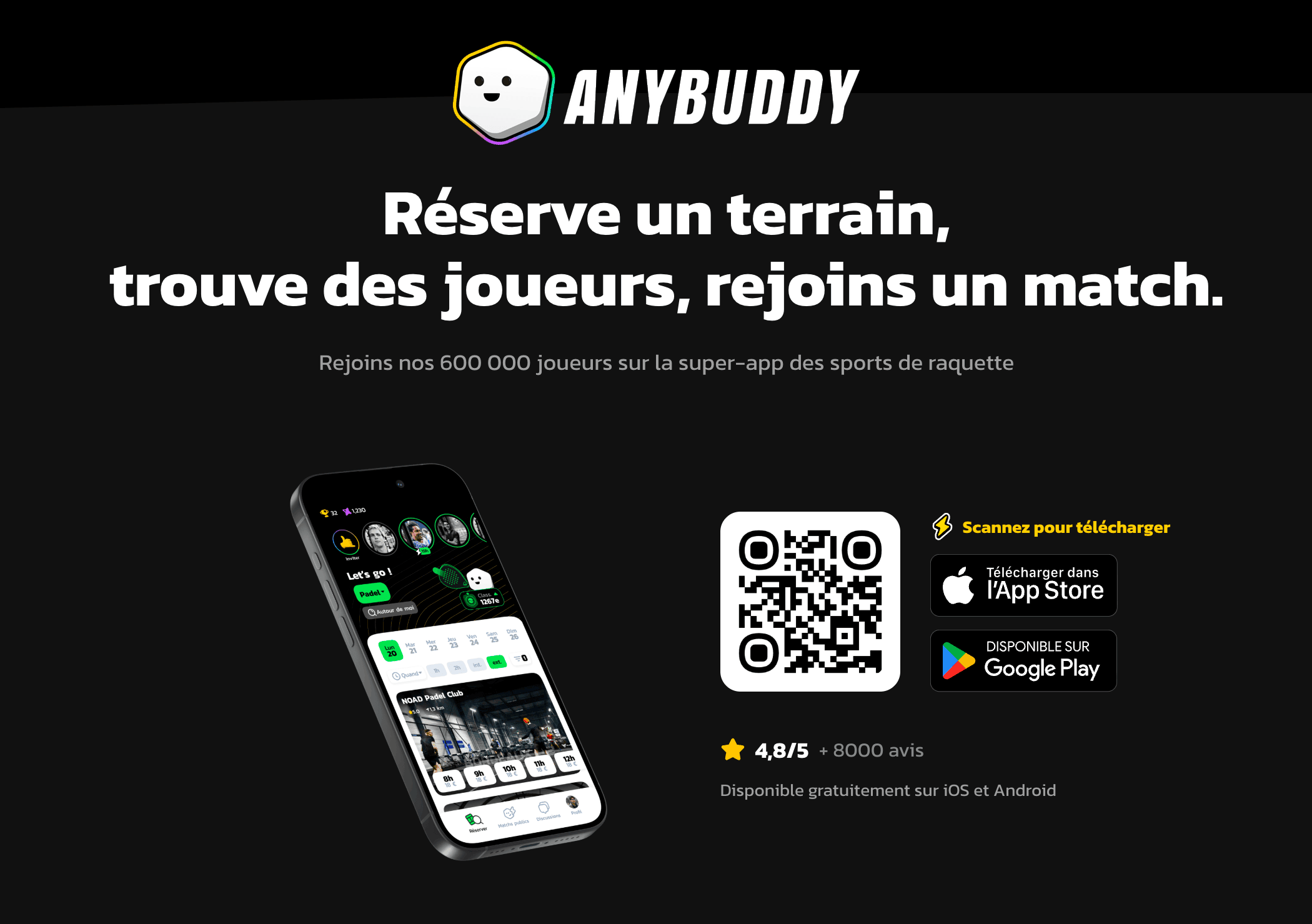
Anybuddy is a partner application that offers your available courts for rent to a large community of outside players. Rented time slots appear in your calendars just like ordinary bookings, with no extra work for the organization.
Understanding the benefit for the organization
An empty court on a Tuesday at 2 p.m. brings in nothing. Anybuddy lets you offer it to players who are not members, at the price you set, without having to manage the relationship or the payment collection.
You stay in control of what you open up: the choice of calendars, the time ranges and the prices are yours, and time slots booked by your members are never offered.
Registering your organization
- Go to Administration›Settings›Booking›Anybuddy App.
- Enable Activate the Anybuddy Module.
- Fill in the organization's details, the manager's details and your bank details.

Opening your calendars for rental
Enable each calendar you wish to offer, then describe it: specify whether it is indoors or outdoors, its surface, and add a photo. This information is what players will see when making their choice.
Setting your prices
With Add a Rate, define a time range, the days of the week concerned and the price for each time slot duration.
Nothing obliges you to set a single price: a lower price scale during the day and a higher one in the evening reflects the reality of demand, and daytime is precisely when your courts are free.
Following the publication
Click Save: the Anybuddy team receives your information and contacts you to finalize the publication.
The status shown at the top of the screen tells you where you stand: Information Sent, then Pending, then Online once your organization is available on the application.
