


Prihvatanje plaćanja putem PayPal-a
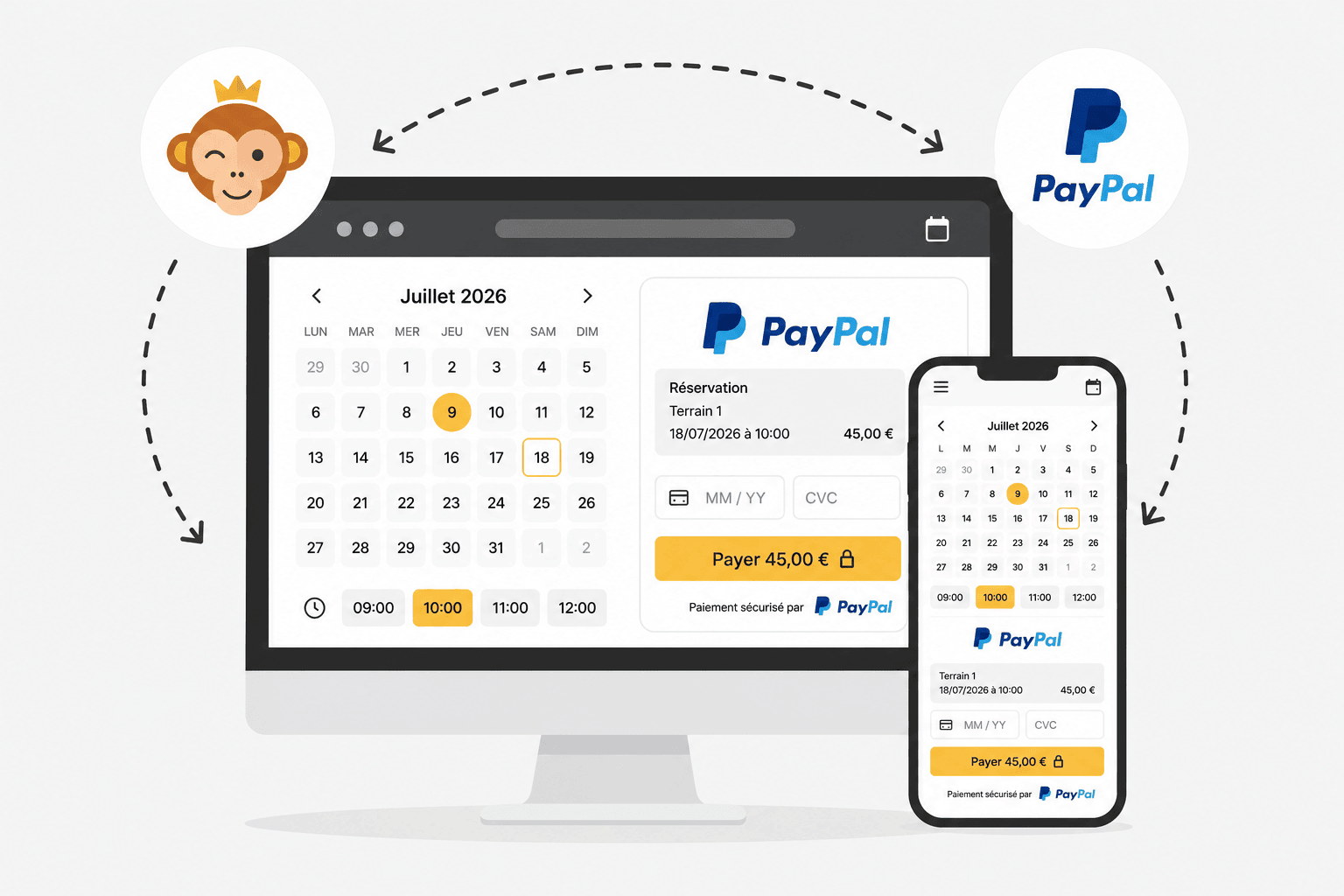
PayPal je rešenje za plaćanje koje se jednostavno postavlja. Korisnici koji imaju PayPal nalog plaćaju svojim podacima za prijavu; ostali mogu platiti direktno platnom karticom, bez otvaranja naloga. Uplate stižu na vaš PayPal nalog, odakle ih zatim možete preneti na svoj bankovni račun.
Preduslovi
PayPal Business (poslovni) nalog, na ime vaše organizacije. PayPal može od vas zatražiti dodatne informacije radi provere: ličnu ispravu zastupnika, dokaz o prebivalištu, zvanični dokument organizacije (statut, matični broj…) i podatke o bankovnom računu.
Povezivanje vašeg PayPal naloga
- Otvorite Administracija›Podešavanja›Fakturisanje›Nalozi za naplatu, izaberite željeni nalog za fakturisanje i pređite na karticu Plaćanja.
- Aktivirajte Онлајн плаћања i izaberite PayPal sa liste platnih prolaza. Ako još nemate nalog, kliknite na Kreirajte PayPal nalog.
- Unesite PayPal e-mail trgovca: mora odgovarati adresi vašeg verifikovanog PayPal Business naloga.
- Opciono, aktivirajte Režim sandbox (PayPal test) da biste testirali tok plaćanja bez stvarnog prenosa novca.
- Kliknite na Sačuvaj, a zatim upotrebite Testiraj vezu da proverite da li sve funkcioniše.
Link Online pomoć direktno u obrascu detaljno prikazuje cene i korake povezivanja.
Kako izgleda plaćanje za korisnika
U trenutku plaćanja korisnik bira Plaćanje putem interneta, a zatim se preusmerava na paypal.com kako bi platio svojim PayPal nalogom ili direktno platnom karticom.
