Until now, a user record held only one ranking. For a tennis club that had opened padel courts, you had to choose which one to track, or store the second one in a custom field, with no filter and no statistics.
From now on, every user can have two rankings, each with its own date. You name them yourself: “Tennis ranking” and “Padel ranking”, or any other pair that suits your sports.
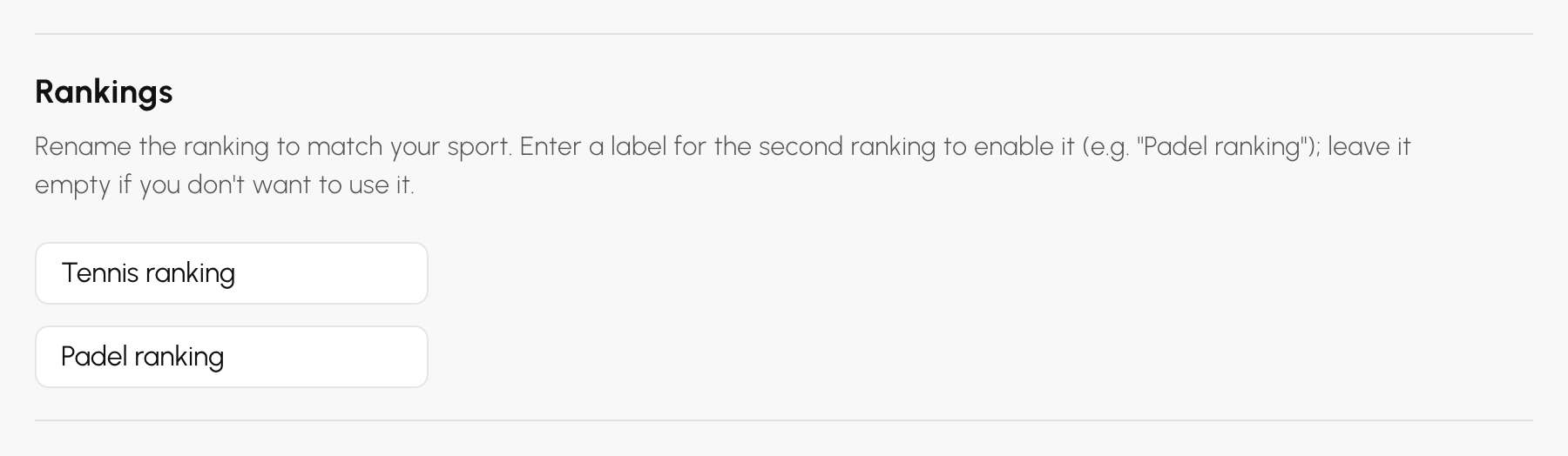
Go to Administration›Users›User Management, open the list menu and choose Advanced Settings. The Rankings block offers two labels.
On the same screen, the User-editables fields section lets your users update their second ranking themselves from their account, just like the first one.
Once the second ranking has a name, the user record shows both, each followed by its date. For example, you enter “15/2” as of 1 October for tennis, and “P500” as of 1 August for padel.
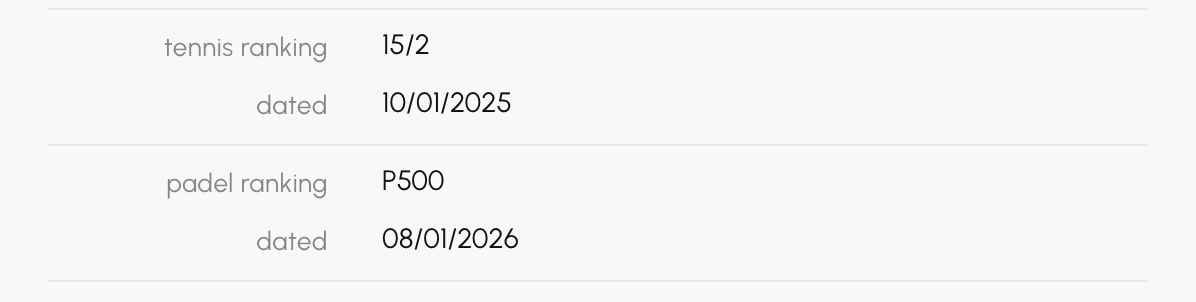
On your players' side, their account also shows both rankings, with their dates. If you have allowed it, each player corrects their second ranking themselves; the dates, however, stay in the club's hands.
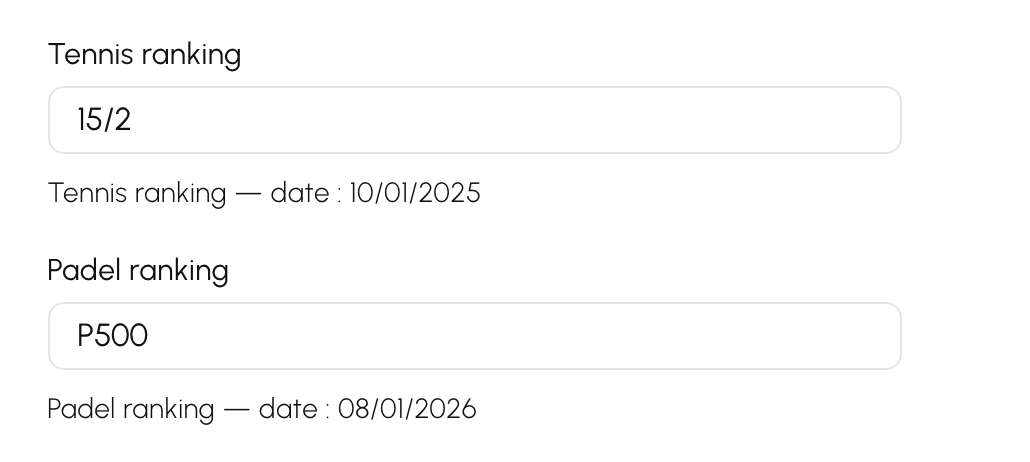
The second ranking follows the first one on every screen where the first one exists, under the name you have given it.
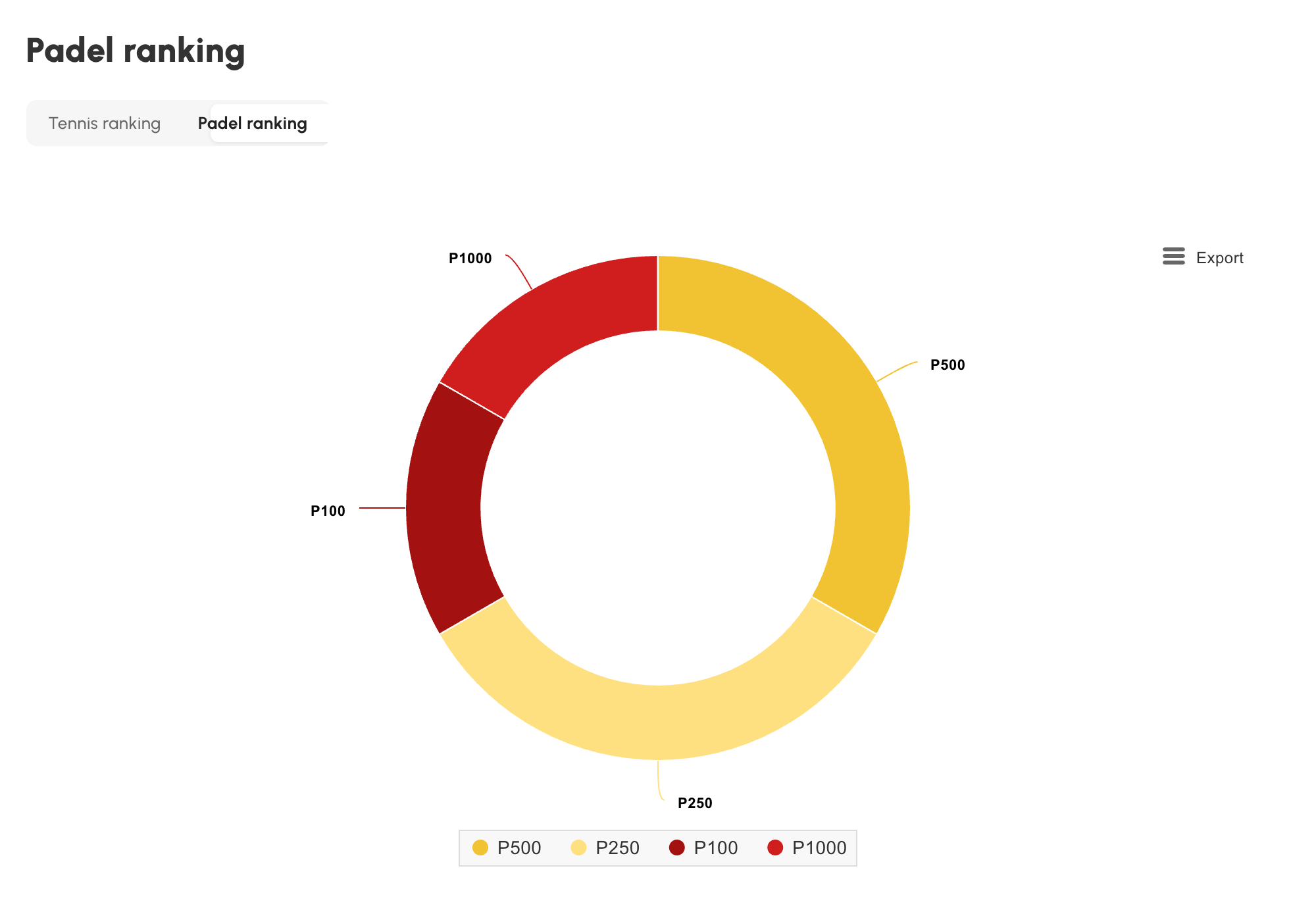
If your club synchronises its licence holders from Administration›Users›Import / Export›ADOC Sync (FFT), the padel ranking from the federation export now goes into your second ranking, with its date. The date of the latest tennis ranking is imported too.
These dates appear in the export as month and year: we record them on the first day of the month. A date of “08/2026” thus becomes 1 August 2026.
All it takes is for the second ranking to have a name in the advanced settings. As long as it doesn't, the data step of the synchronisation flags it as inactive.
A question about your rankings? Our team is here to help.
The OpenResa team at your service!