Online registration is often the first contact between your club and a future member. It is also the stage where most candidates are lost: too many fields, too many clicks, too many back-and-forths via e-mail.
We have completely redesigned this process. Objective: to maintain all the rigor that clubs need to qualify their new users, while removing the frictions that caused candidates to abandon the process or at least, that could annoy more than one.
The new registration form now consists of two uninterrupted steps:
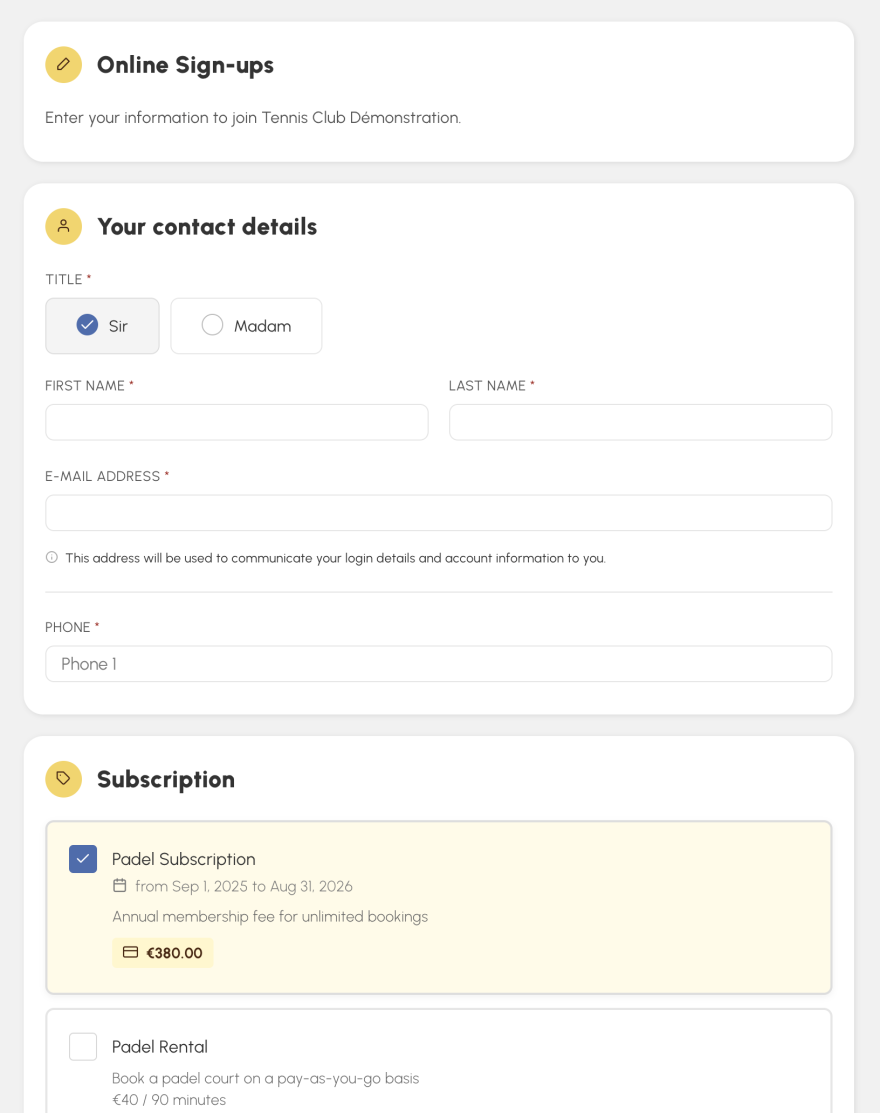
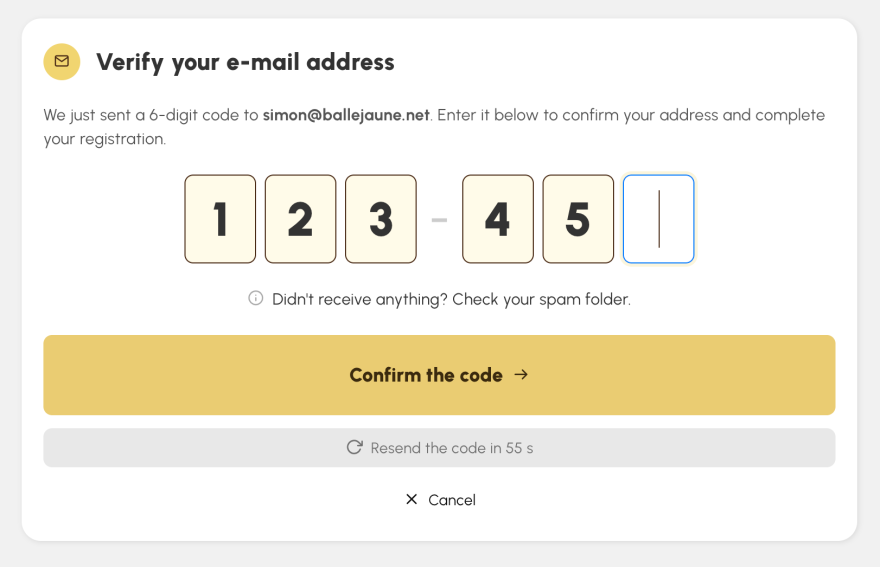
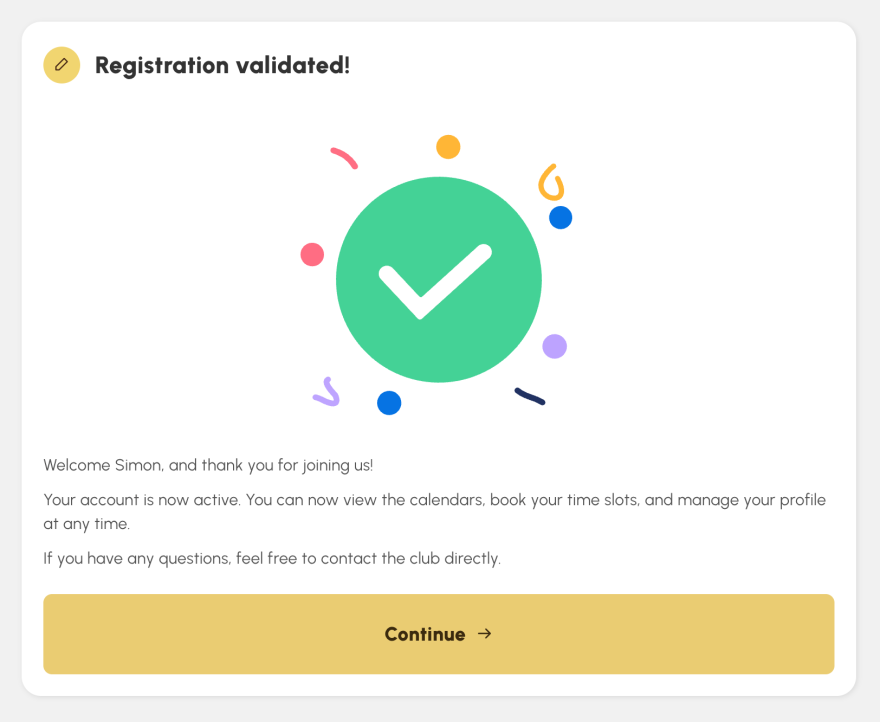
When the automatic validation mode is enabled, the user is immediately logged in to their booking space at the end of the process (after entering the 6-digit code received by e-mail). They can book their first time slot right away. No need to search for their login credentials in their email to log in manually.
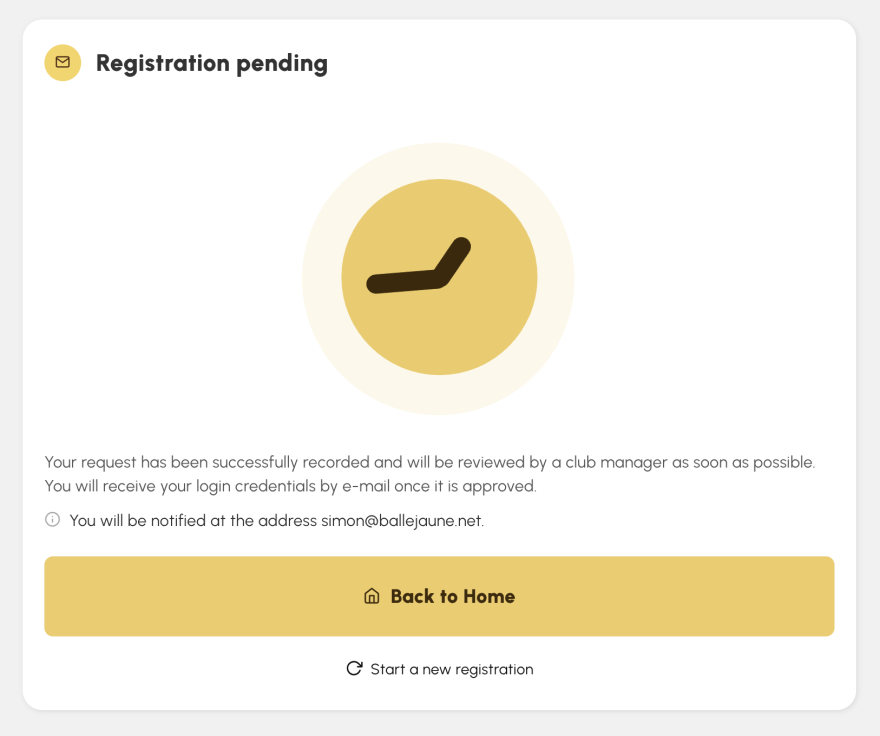
For registrations subject to manual validation, an animated waiting page clearly explains the next step — the user will receive their credentials upon acceptance by you.
Not all subscriptions require the same level of control. An annual nominal fee is not handled like a user wishing to rent a court occasionally.
Now, you configure the validation mode independently for each subscription:
The setting is done in two clicks in the configuration of each subscription, menu Administration > Users > Subscriptions > "Sign Ups" tab > Validation mode.
If a candidate tries to register with an address already used in your club, a window opens to offer them two simple options:
If the user continues their registration, their validation will switch to manual mode even if the subscription is automatic. This allows you to review the request and avoid silent duplicates in your database.
The e-mails sent to the user and your team have been redesigned to the current charter: clearer layout, visual hierarchy of information, sections colored by status (success, pending, refusal). The e-mails now include a complete summary section of the request — you validate or refuse at a glance.
A question, feedback, a suggestion? Our support team is at your service.
The OpenResa team at your service!