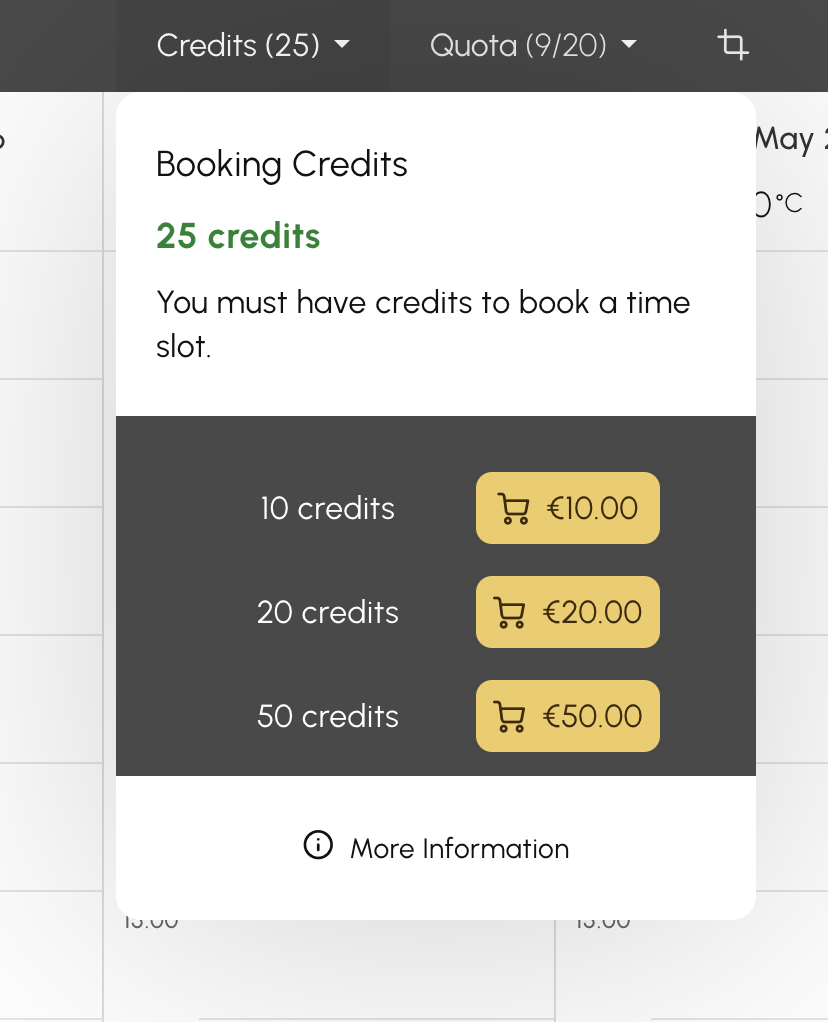
Many clubs have adopted a simple rule for their credit system: 1 credit = 1 € (or 1 $, 1 £, depending on the configured currency). Easy to manage behind the scenes, this equivalence remains invisible to the subscriber, who only sees a balance in "credits." Result: a recurring reflex to ask "and how much is that in euros/dollars/...?".
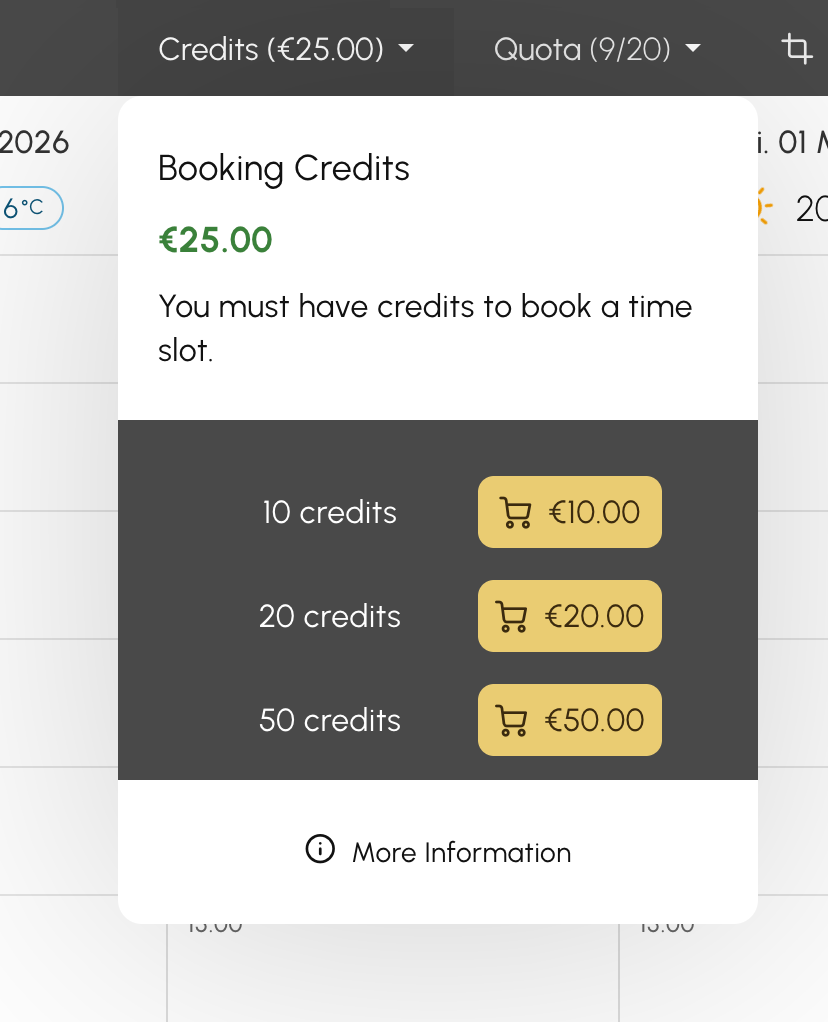
Good news: a new option now allows you to display credit counters directly in your club's currency. A small checkbox, a big gain in clarity: your subscribers immediately understand the value of their balance, you reduce clarification requests, and your interface aligns with your club's pricing reality.
When the option is activated, a subscriber's balance no longer appears, for example, as 25 credits but as 25.00 € (or any other currency you have configured). The formatting — symbol, decimal separator, position — automatically follows your club's locale.
|
|
|
This option is for all clubs that have already chosen to index their credits on the real monetary value, where 1 credit = the price of a time slot. For example, 10 credits (thus 10.00€) for 60 minutes of Tennis. The subscriber buys credits and uses them like a prepaid wallet.
Conversely, if your credit model has no monetary equivalence (for example, 1 credit = 10.00€), displaying in "credits" remains more relevant: the option can simply remain disabled, or you can transition to a more practical, readable, flexible, and powerful monetary equivalence model. Please don’t hesitate to contact support if you’d like to switch to a currency-based model; we’ll help you make the transition.
The option is available independently for booking credits and guest credits, to best match each subscription's configuration.
Go to Administration > Users > Subscriptions. Open the relevant subscription.
Tab Credits: activate "Display credits in currency."
Tab Invitations: activate "Display credits in currency."
The option is configured per subscription. You can, for example, activate it on your "Rental" subscriptions and leave it disabled on a "10-session card" subscription.
The OpenResa team at your service!