

Payments & billing
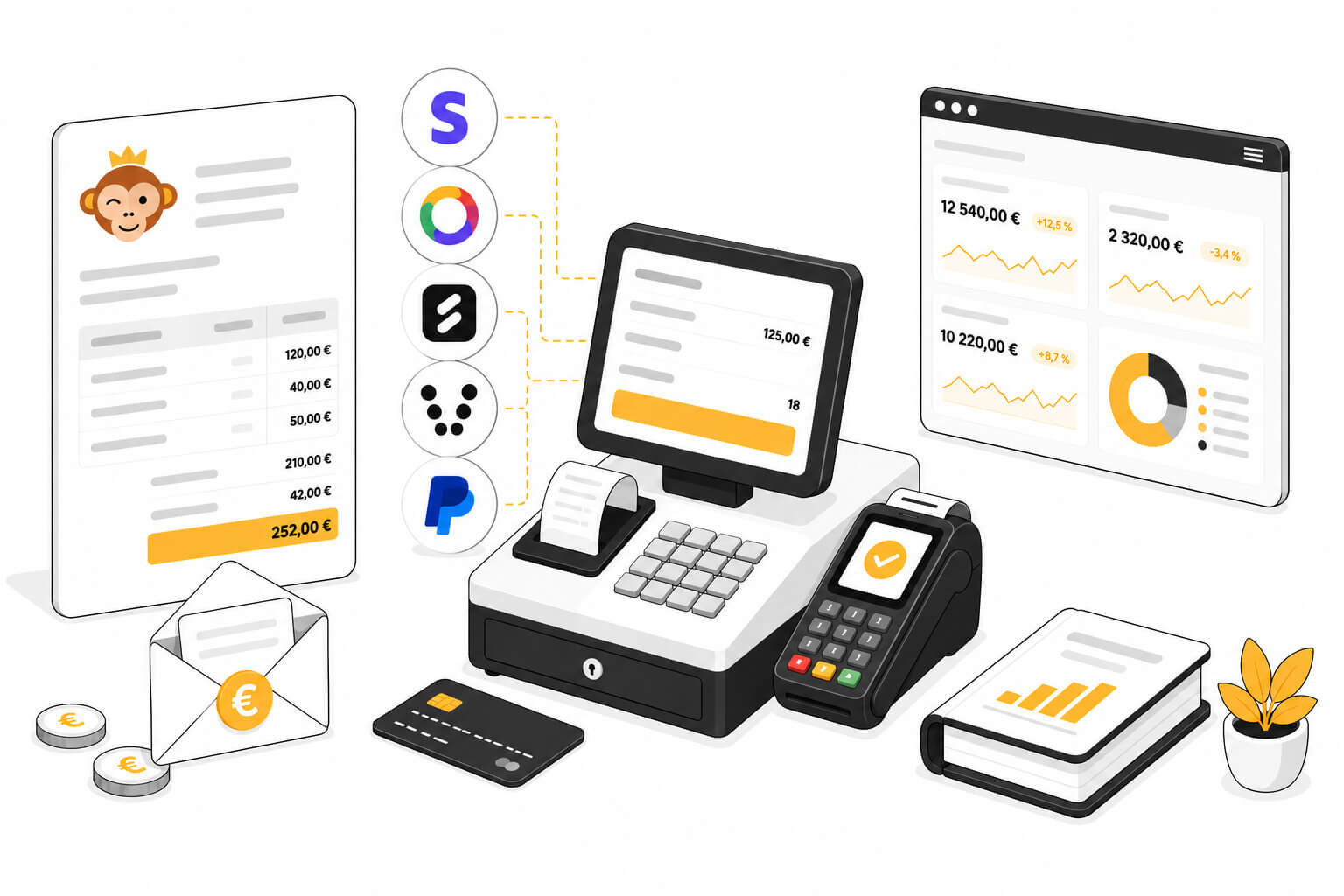
Configure your billing accounts and your catalog, sell and collect payments day to day, then track your revenue.
Configuration
Billing accounts
The billing account carries the identity that issues your invoices (contact details, numbering) and the payment methods offered to your users. Create several accounts if your organization invoices from several entities.
Products & services
The catalog brings together everything your club sells: Booking credits, subscriptions, equipment, food items, tournaments, lessons, camps… It feeds the users’ cart, the cash register, and manual orders.
Promotional codes
Create discount codes that your users enter at payment time: percentage or fixed amount, validity period, usage limits and adjustable scope.
Selling Subscriptions Online
Let your users take out and renew their own subscription, with immediate payment and automatic assignment of rights. Two selling methods coexist: by duration, or by season.
Selling booking credits
Charge for bookings by the unit rather than by the year: your users buy credits online, in packs with volume discounts, and spend them each time they book a time slot.
Payment gateways
Accept payments with Stripe
Stripe is a card payment solution suited to most organizations and available in the majority of countries. Your users pay directly by card, on a secure payment page, without needing to create an account.
Accept payments with HelloAsso
HelloAsso is a payment solution dedicated to French non-profit organizations. Your users pay by card. The funds are then transferred to your organization’s bank account, with no commission charged by HelloAsso.
Accept payments with SumUp
SumUp is an online payment solution with no Subscription and no commitment, widely used by clubs and local businesses. Your Users pay by card, Apple Pay, or Google Pay on a secure payment page, and the funds are deposited into your bank account.
Accept payments with Verifone (Paybox)
Verifone e-commerce, formerly Paybox, is a payment platform connected directly to your organization’s bank account. It is compatible with all banks in France and is also suitable for public-sector organizations (town halls, inter-municipal authorities, etc.).
Accept payments with PayPal
PayPal is a payment solution that is easy to set up. Users with a PayPal account pay with their login details. Others can pay directly by card without creating an account. Payments arrive in your PayPal account, which you can then transfer to your bank account.
Sales & payment collection
Invoices & transactions
Track all your club’s sales documents — quotes, orders, and invoices. Collect payments, issue refunds, and export your sales for accounting. Go to the Administration›Dashboard›Billing›Invoices & Transactions menu.
Offer payment in instalments
Spread the payment of a subscription or a course over several instalments: either by letting the user choose at the time of payment, or by building a tailor-made payment schedule yourself from the order.
Cash register
Sell at the counter without creating an order first: build your customer’s basket using touch tiles, then take their payment. Go to the Administration›Dashboard›Billing›Cash Register menu.
Activities & Revenue
The sales dashboard shows collected revenue, the breakdown by product and subscription, payment methods, VAT collected, and seasonal trends.
Accounting and electronic invoicing
Set up your organization's chart of accounts, export your entries to your accountant's software, and enable electronic invoicing in the Factur-X format.
Rent out available time slots with Anybuddy
Anybuddy is a partner app that offers your available courts for rental to a large community of external players. Rented time slots appear in your calendars like standard bookings, with no extra work for the club.
