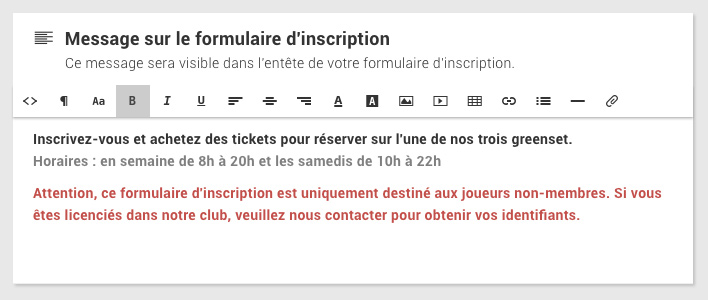
Need to communicate an important information on your registration form? You can now configure a personalized message (text, image, etc.), which will be displayed on the first page of your registration form.
To configure the information message, go to the menu Administration > Users >Online registration then click on the"Configuration" button at the top right of the page.
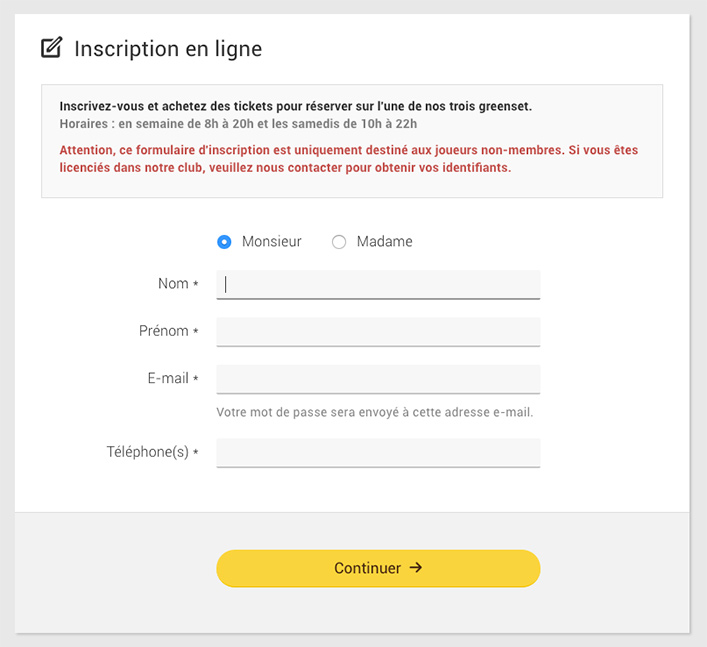
Below is a preview of the registration form, the message is located in the header:
The BalleJaune team at your service!