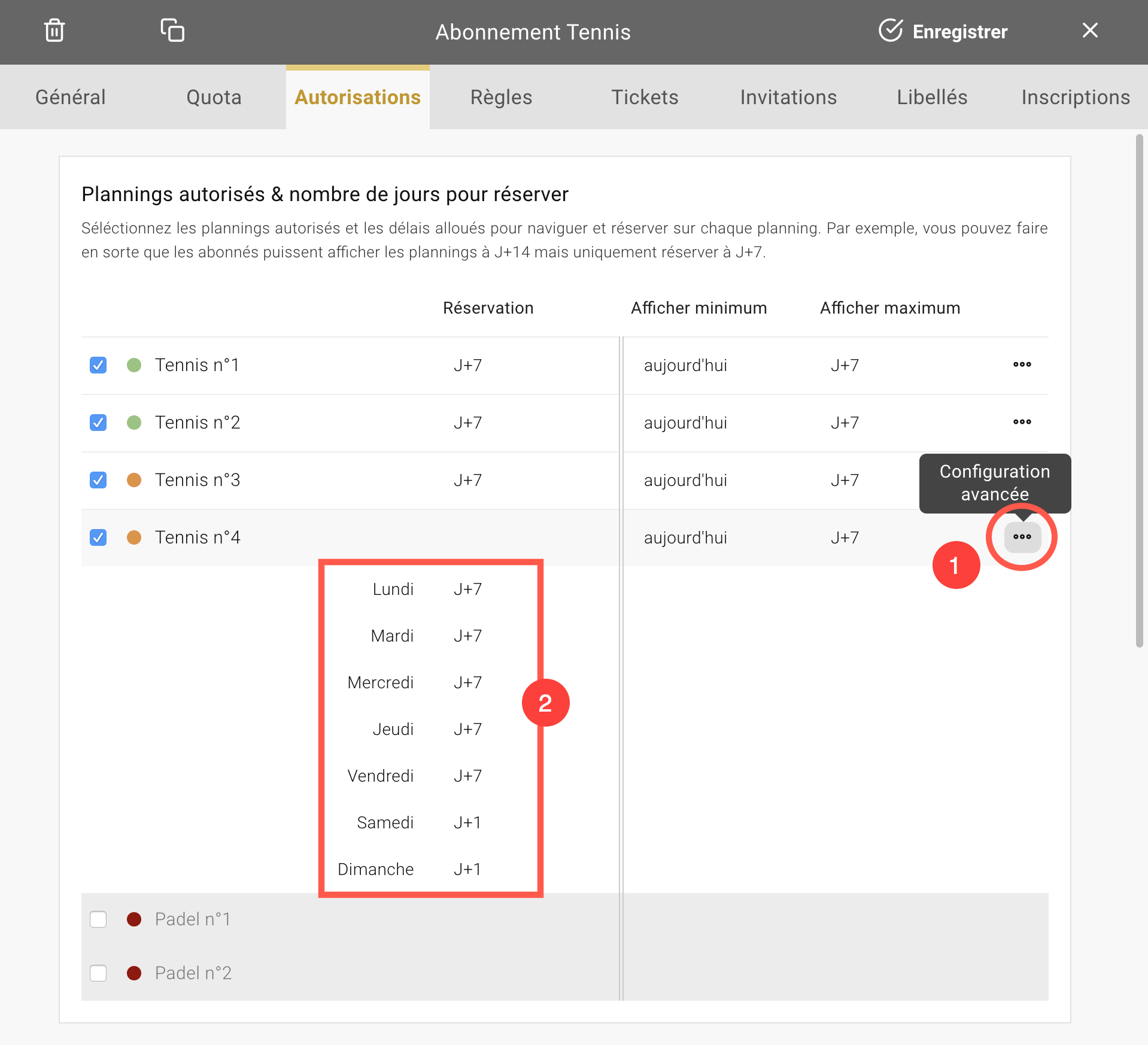
The club can now set up a different booking time for each day of the week. For example, Monday through Friday slots could be available for booking 7 days in advance while weekend slots would only be available the day before for the next day.
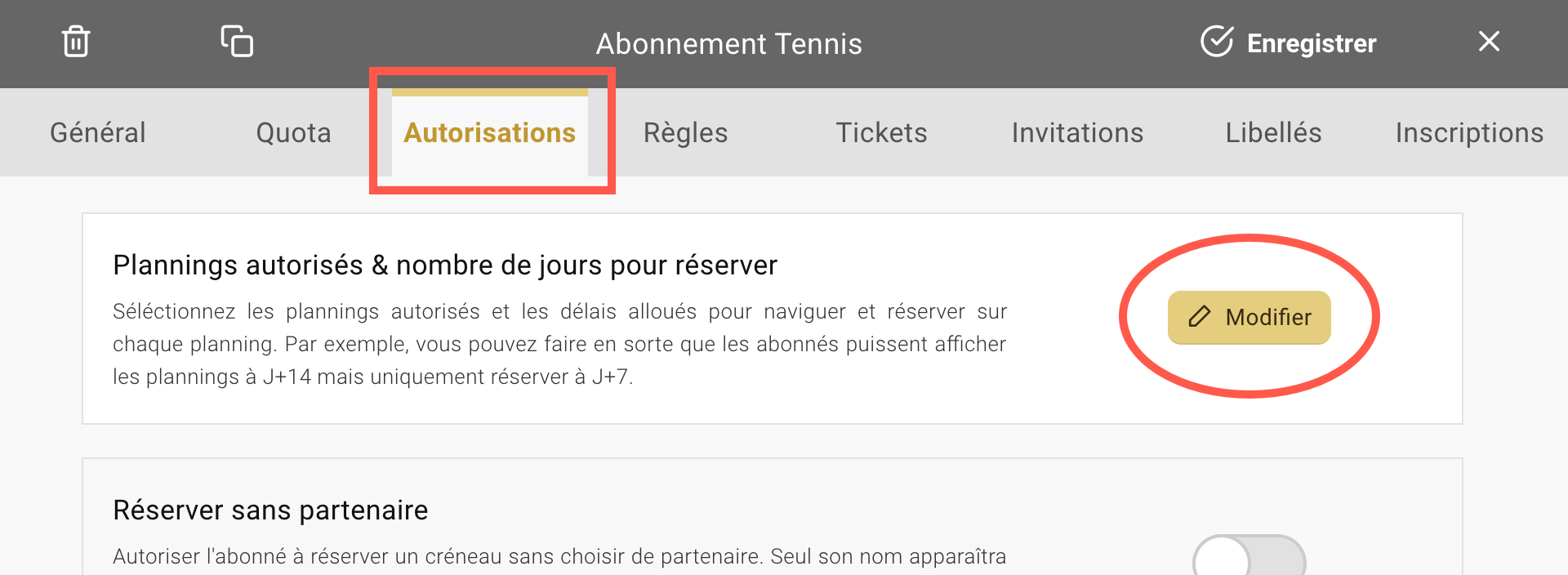
Go to the Administration > Users > Subscriptions menu, click on a subscription in the list and then go to the "Authorizations" tab. You will find a first section called "Authorized schedules & number of days to reserve", click on the "Edit" button to display the list of fields and start the configuration:
The default setting applies to all days of the week. To define a personalized value according to the day of the week, click on the "Advanced configuration" icon on the right of the list:
The Yellow Ball Team - OpenResa.