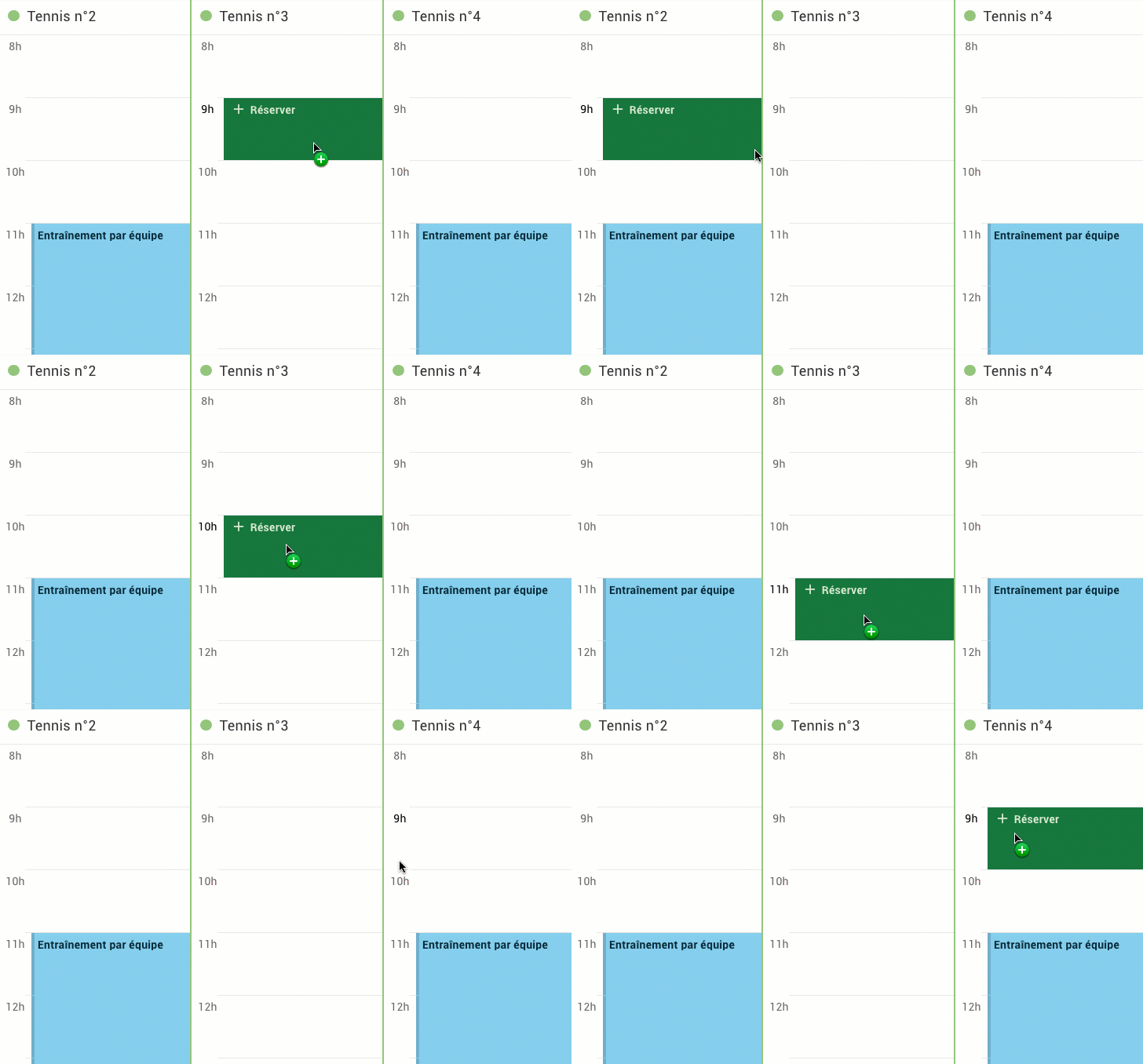
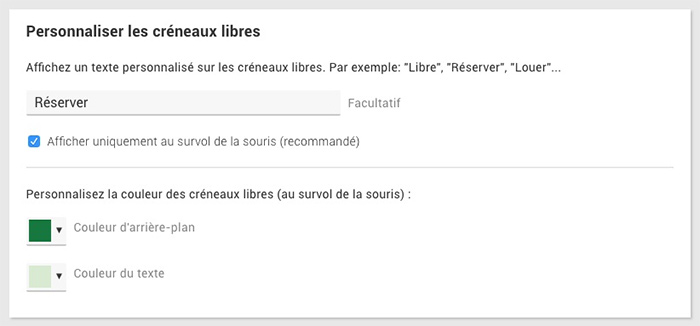
The free slots can be customized in two ways: until now you could add a custom text (for example "Free" or "Reserve"), now you can customize the color of these slots with a mouse over!
To customize the free slots, go to the menu Administration > Schedules > Display preferences :
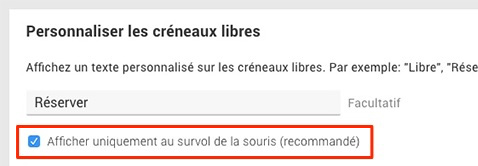
In order to offer you clearer and more readable schedules, we have decided to hide the personalized text on the free slots: it is now displayed on mouseover. If you want to go back to the old behavior and display the text permanently, we offer you an option to uncheck :
The BalleJaune team at your service!