By default, in the"Schedules by day" view, the completed slots of the current day (today) are hidden for better readability and only administrators are able to display these completed slots via a small button located so far in the top right corner of the page.
We offer you two new options for this in Administration > Schedules > Display Preferences.It is now possible to :
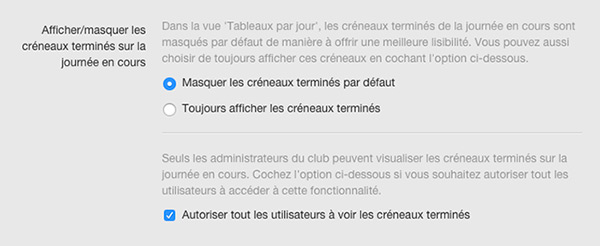
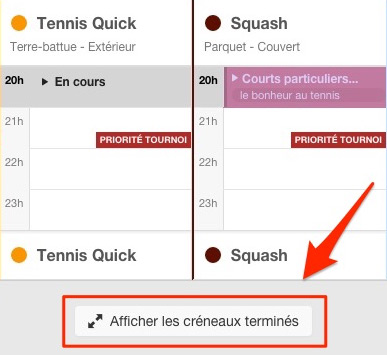
If the"Hide completed slots by default" option is checked, the completed slots will be hidden when the page loads and you will have a button to display them. This button is now located at the bottom middle of the page:
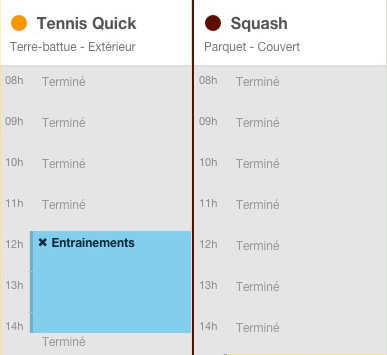
After clicking the button or if you have checked the option " After clicking the button or if you have checked the option "Always show completed slots", the slots will appear instantly with a light grey tint:
The BalleJaune/OpenResa team at your service!