



Accept payments with PayPal
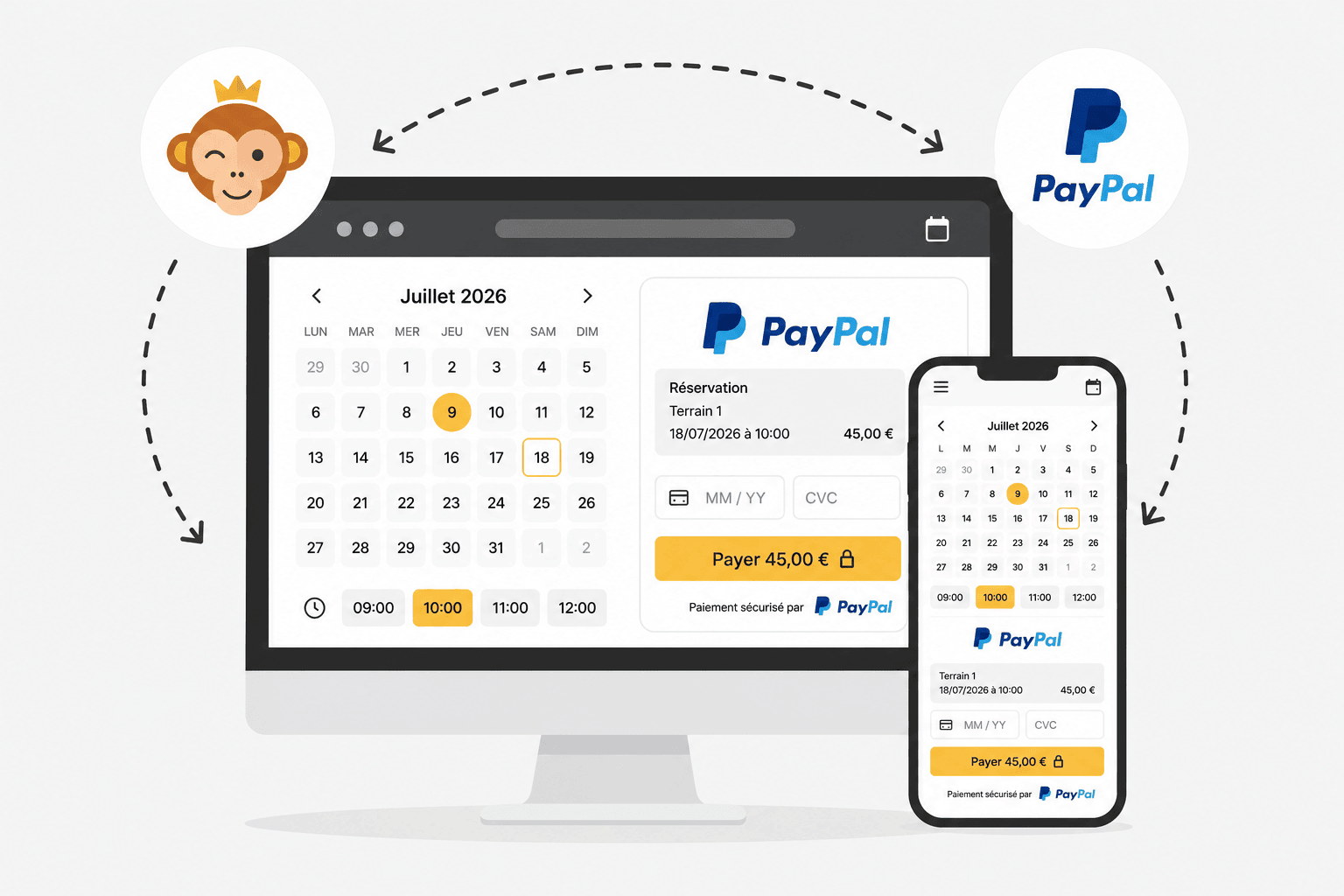
PayPal is a payment solution that is easy to set up. Users with a PayPal account pay with their login details. Others can pay directly by card without creating an account. Payments arrive in your PayPal account, which you can then transfer to your bank account.
Prerequisites
A PayPal Business account in your organization’s name. PayPal may ask you for additional information to validate it: the representative’s ID document, proof of address, an official document for the organization (articles of association, SIRET, etc.), and bank details.
Connect your PayPal account
- Go to Administration›Settings›Billing›Billing Accounts, open the relevant billing account, and go to the Payments tab.
- Enable Online Payments and select PayPal from the payment gateway list. If you do not have an account yet, click Create a PayPal account.
- Enter Merchant PayPal Email. It must match the e-mail address of your validated PayPal Business account.
- Optionally, enable Sandbox Mode (PayPal test) to test the payment flow without any real money movement.
- Click Save, then use Test the connection to check that everything works.
A Online Help link directly in the form explains the fees and connection steps.

Before authorizing payment collection, PayPal may take several days to validate your account and the documents submitted. Follow the requests displayed in your PayPal dashboard until validation is complete.
Understand payment on the user side
When paying, the user chooses Online Payment and is then redirected to paypal.com to pay with their PayPal account or directly by card.
No additional technical configuration is required on the PayPal side. Payment notifications are sent automatically.
