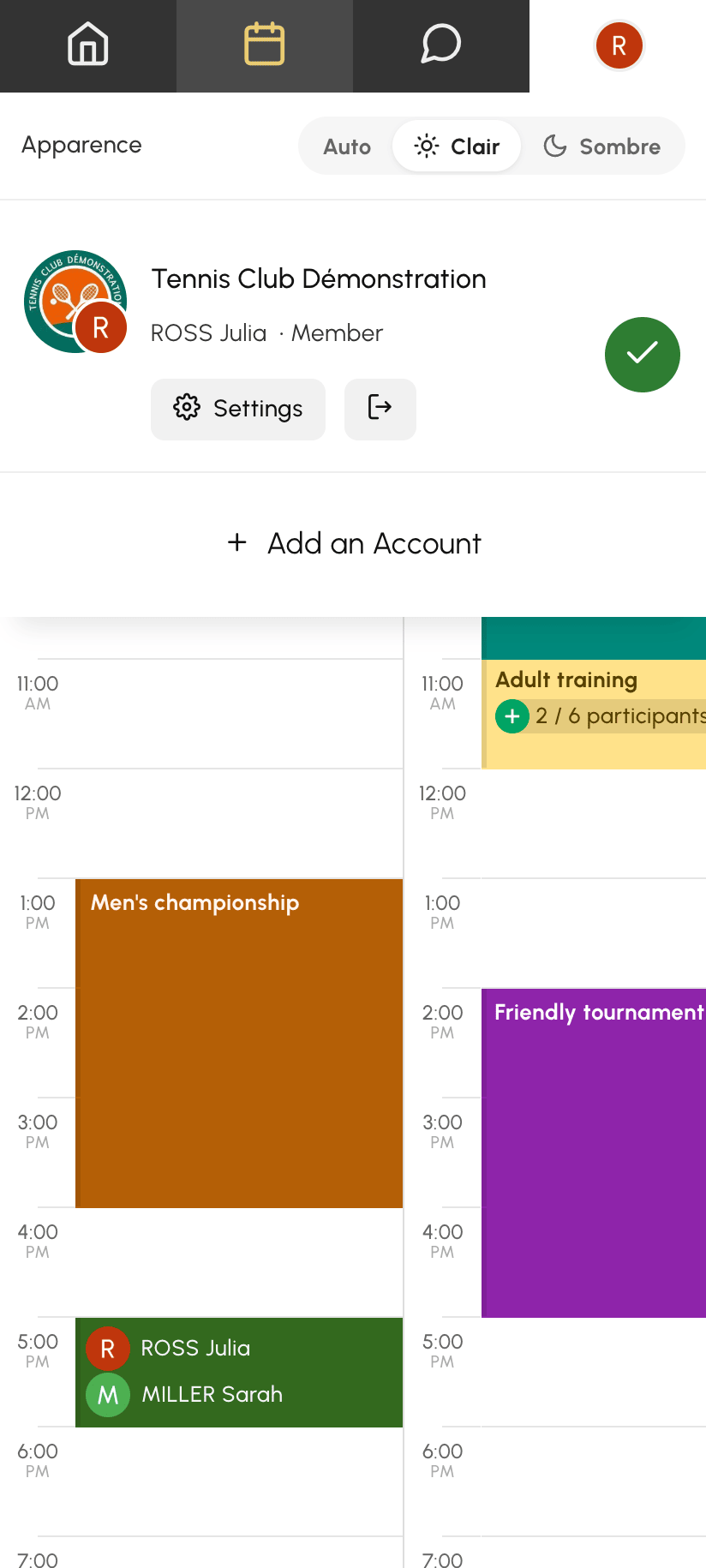
OpenResa now offers a dark mode. Each user chooses the appearance that suits them (light, dark or automatic) from their My Account menu. Bookings, availability and club administration are then displayed on dark backgrounds, in your club's colours.
A dark screen is less dazzling in the evening, courtside as well as at home, and many phones are already set this way. In automatic mode, the app simply follows the setting of the phone or computer.
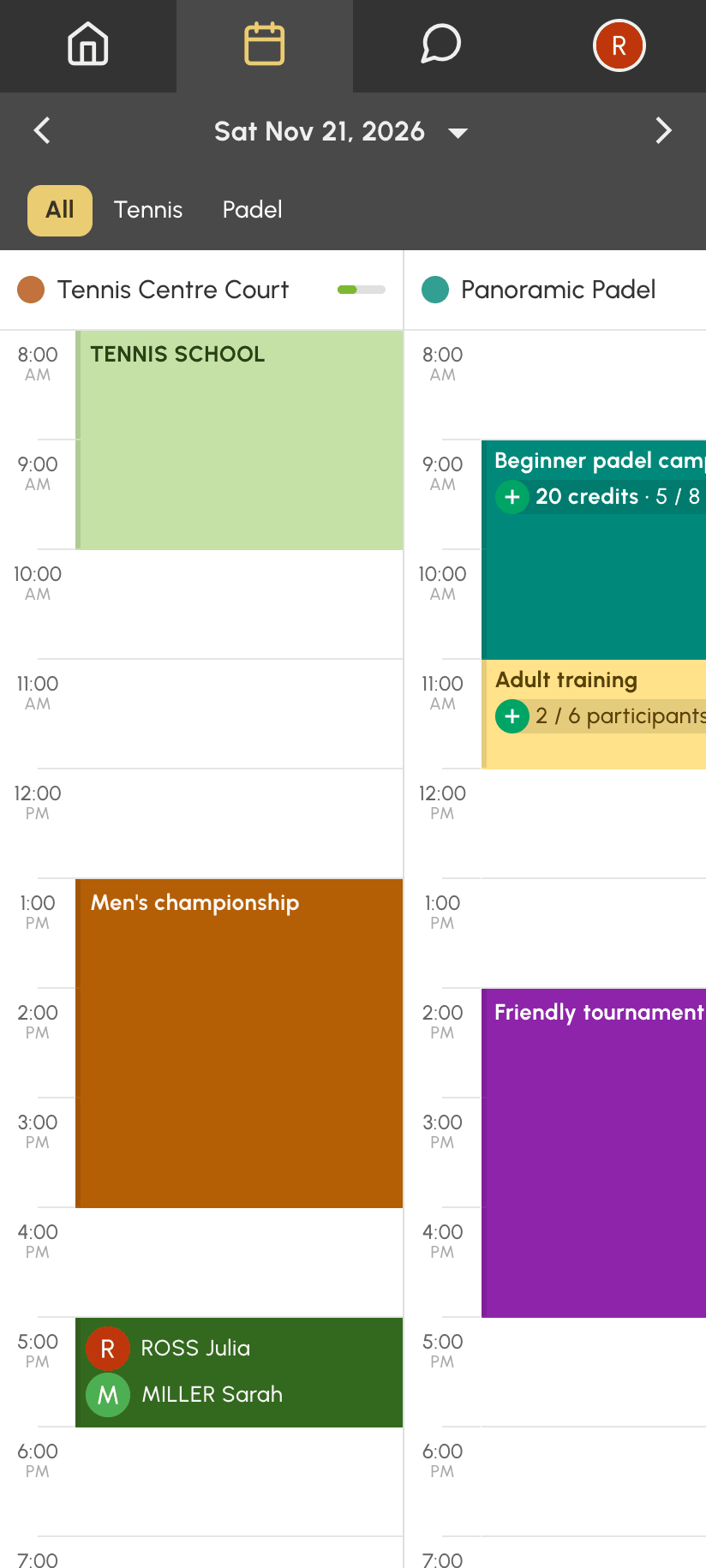 Light |
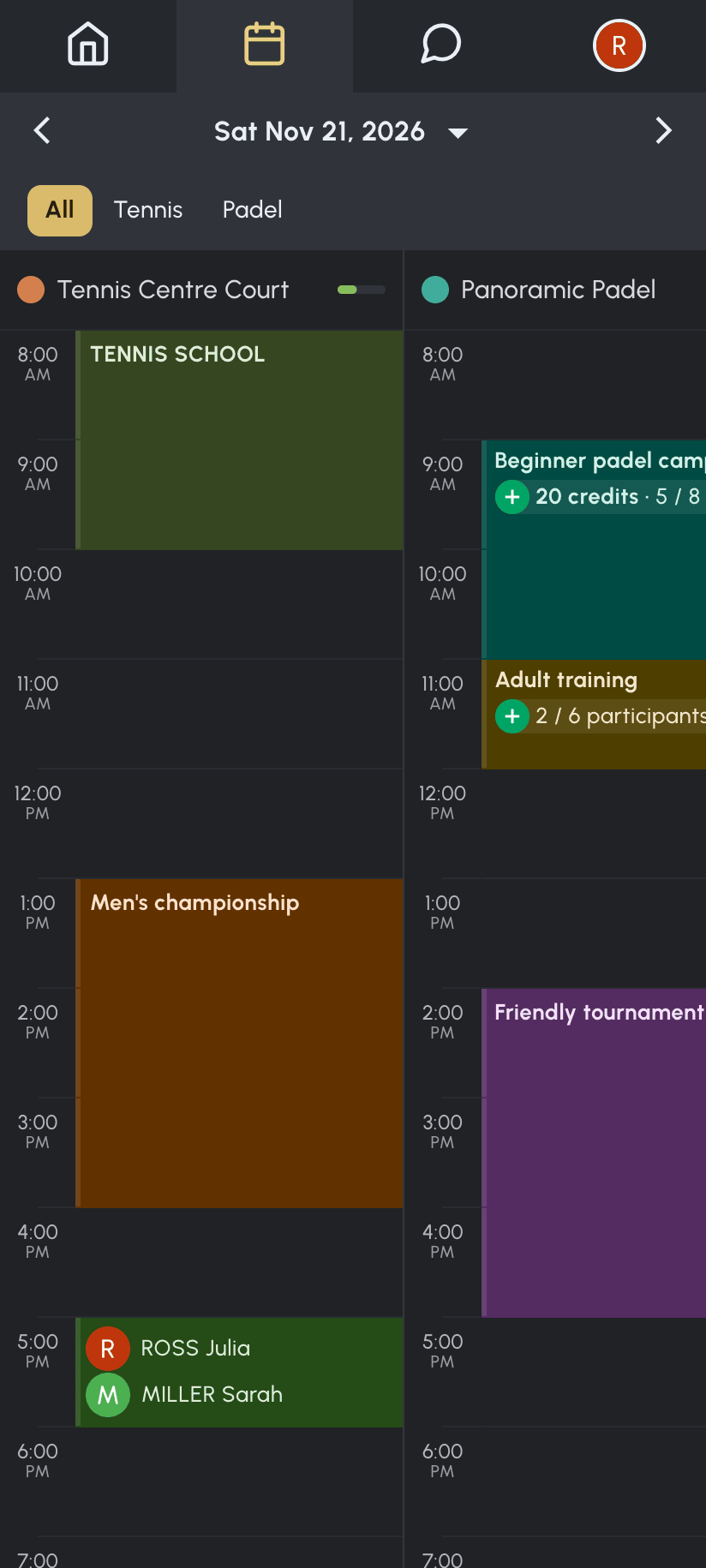 Dark |
The background turns slate grey, the same for every club. Your club's theme remains recognisable: the top bar, the tabs and the active items keep its colour, in a shade designed for dark mode. The colours you chose for your labels, your calendars or your products are adjusted too, so they stay easy to read.
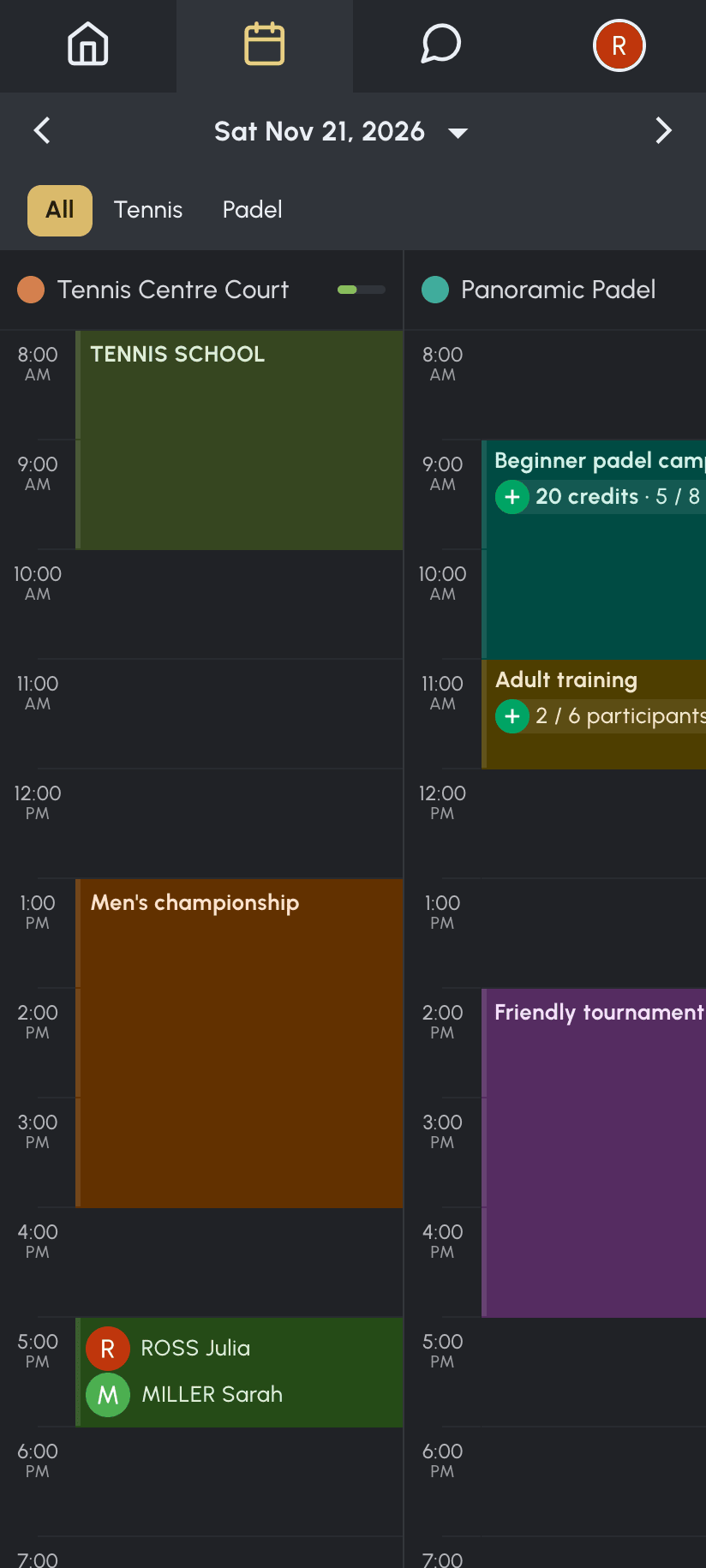 Charcoal theme |
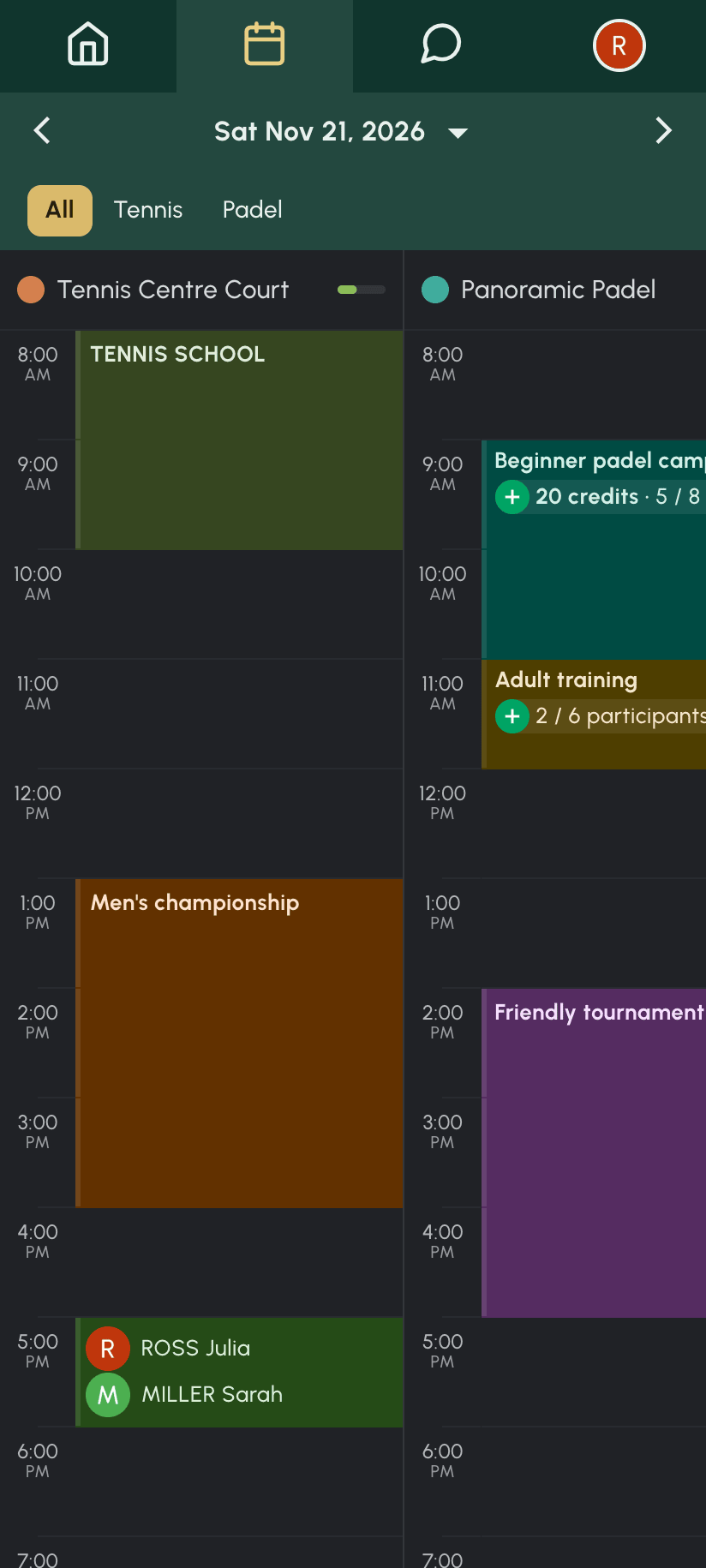 Teal theme |
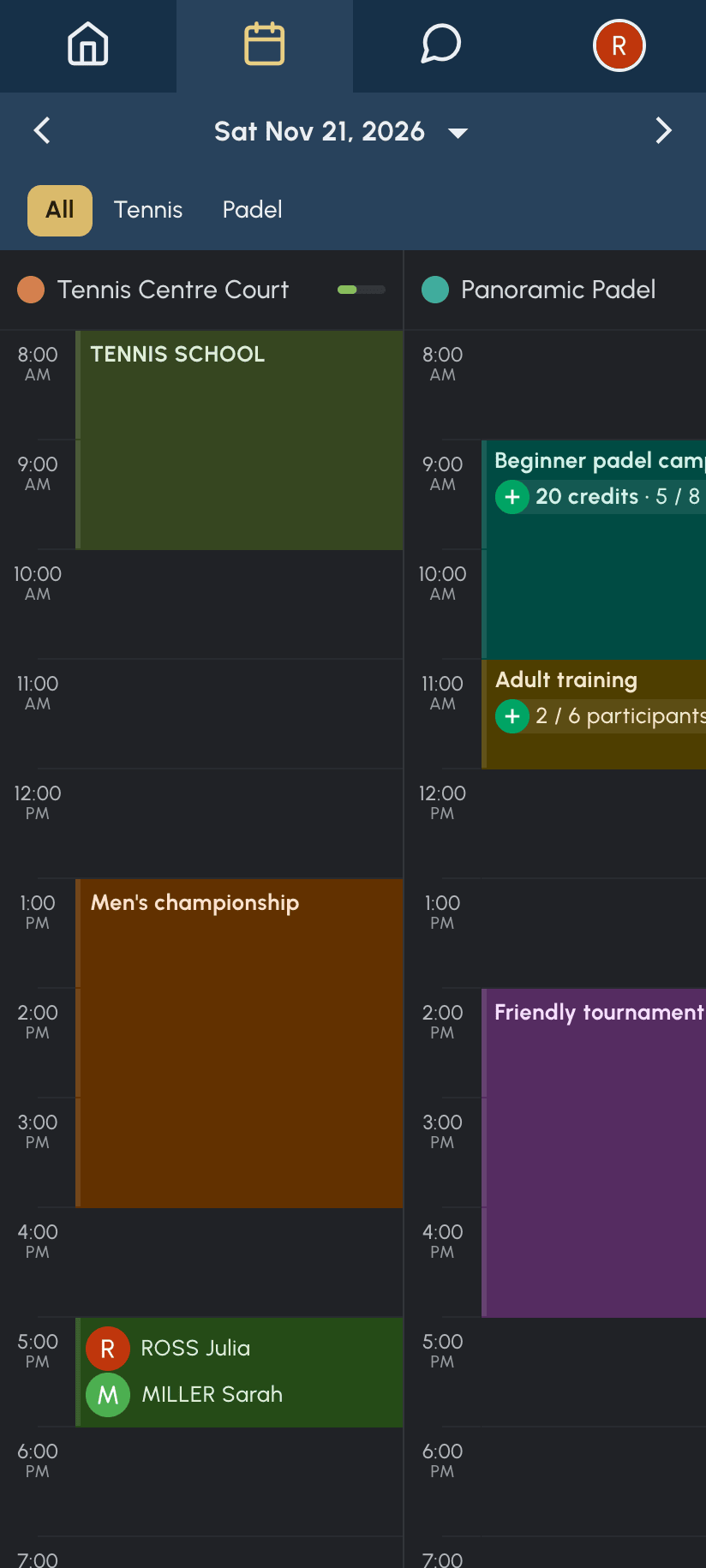 Ocean blue theme |
The Availability view also switches to dark: the strip of days, the occupancy gauges and the free slots remain easy to spot at a glance.
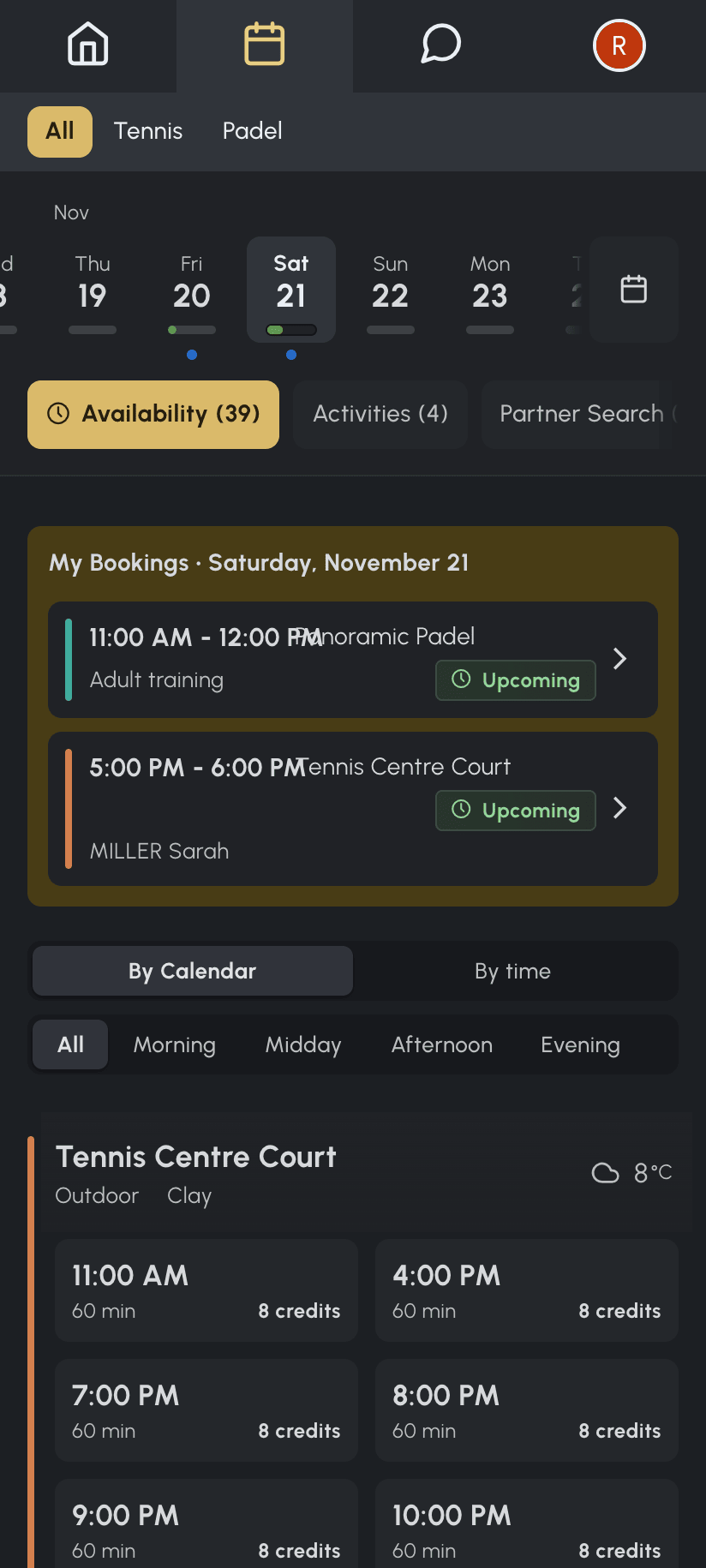 Charcoal theme |
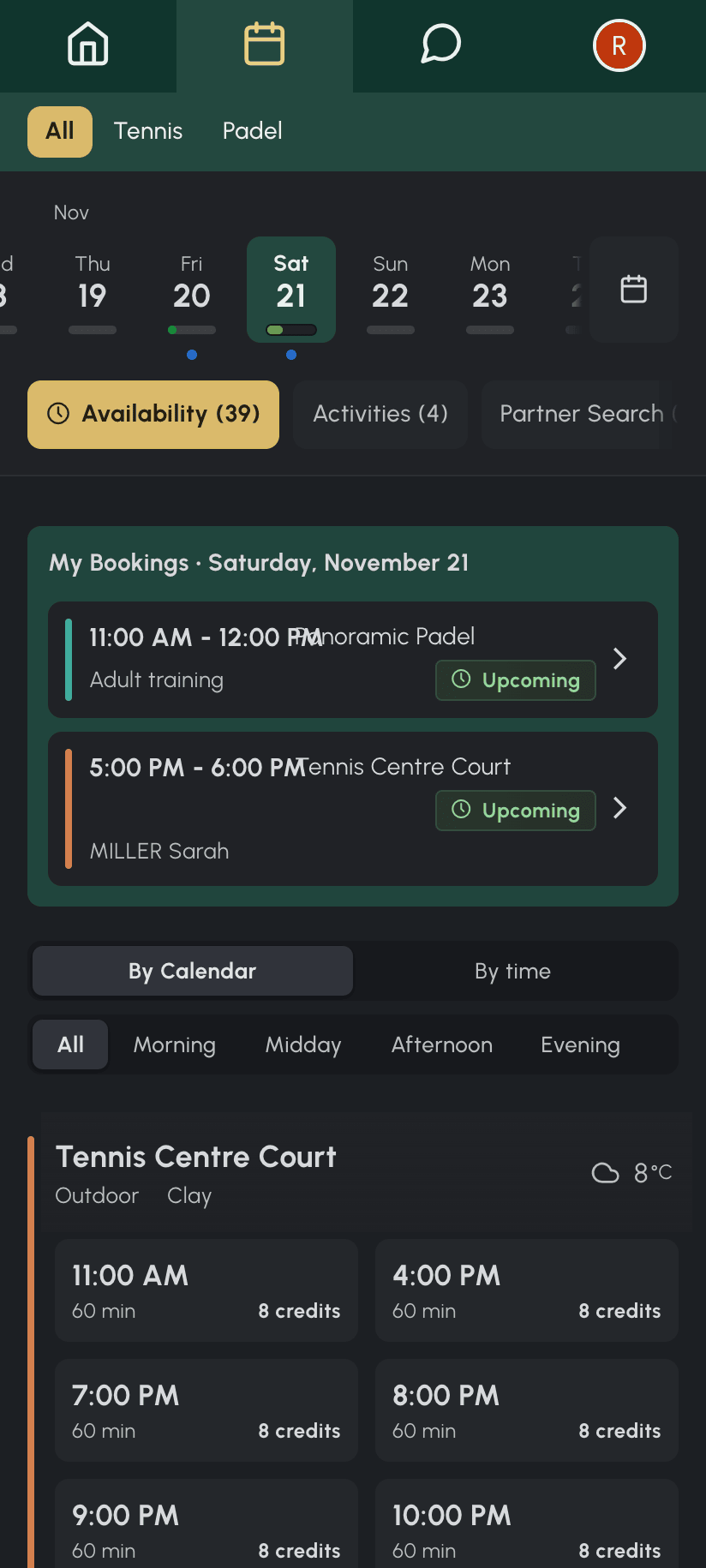 Teal theme |
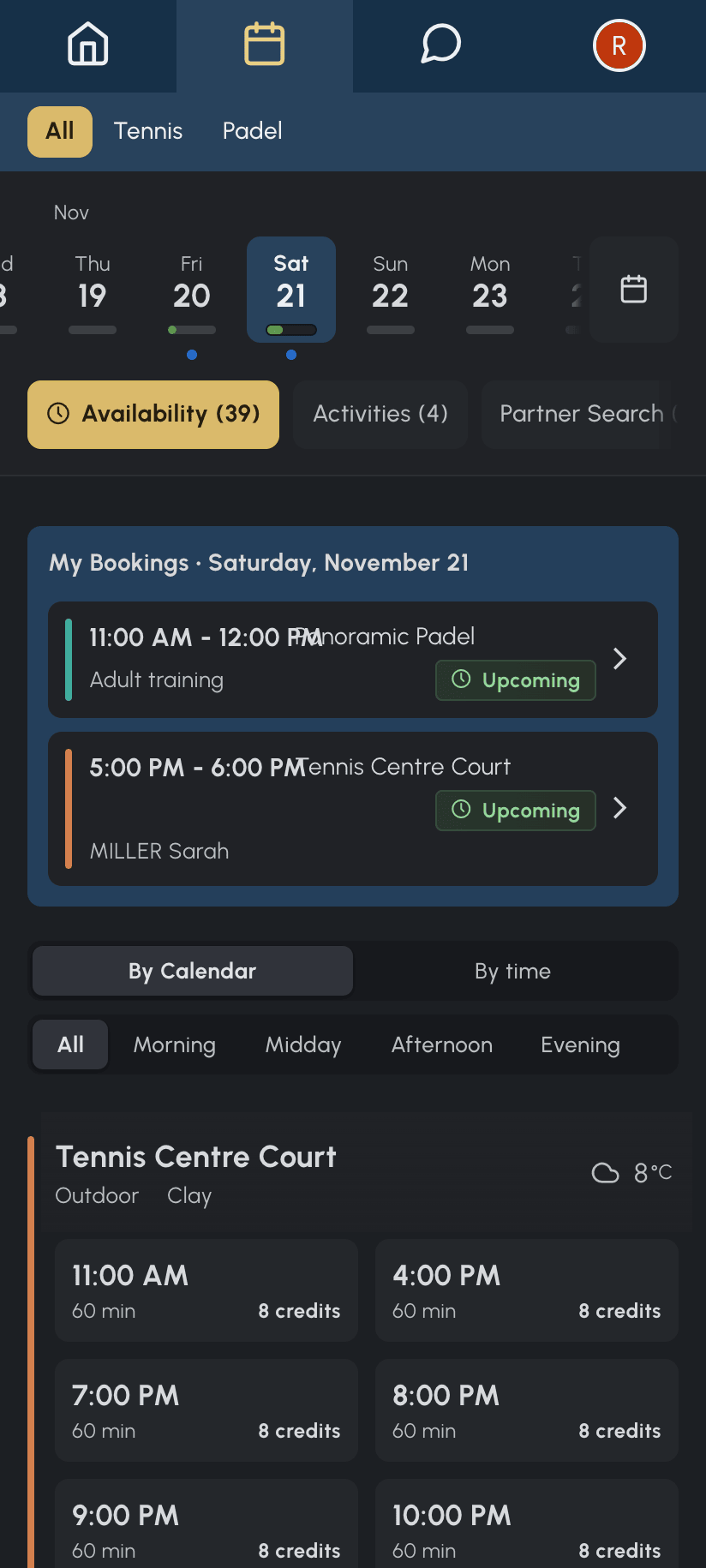 Ocean blue theme |
Administrators get the same display throughout the club's administration, starting with its Dashboard menu. The setting is personal: each administrator chooses their own, without changing other users' settings.
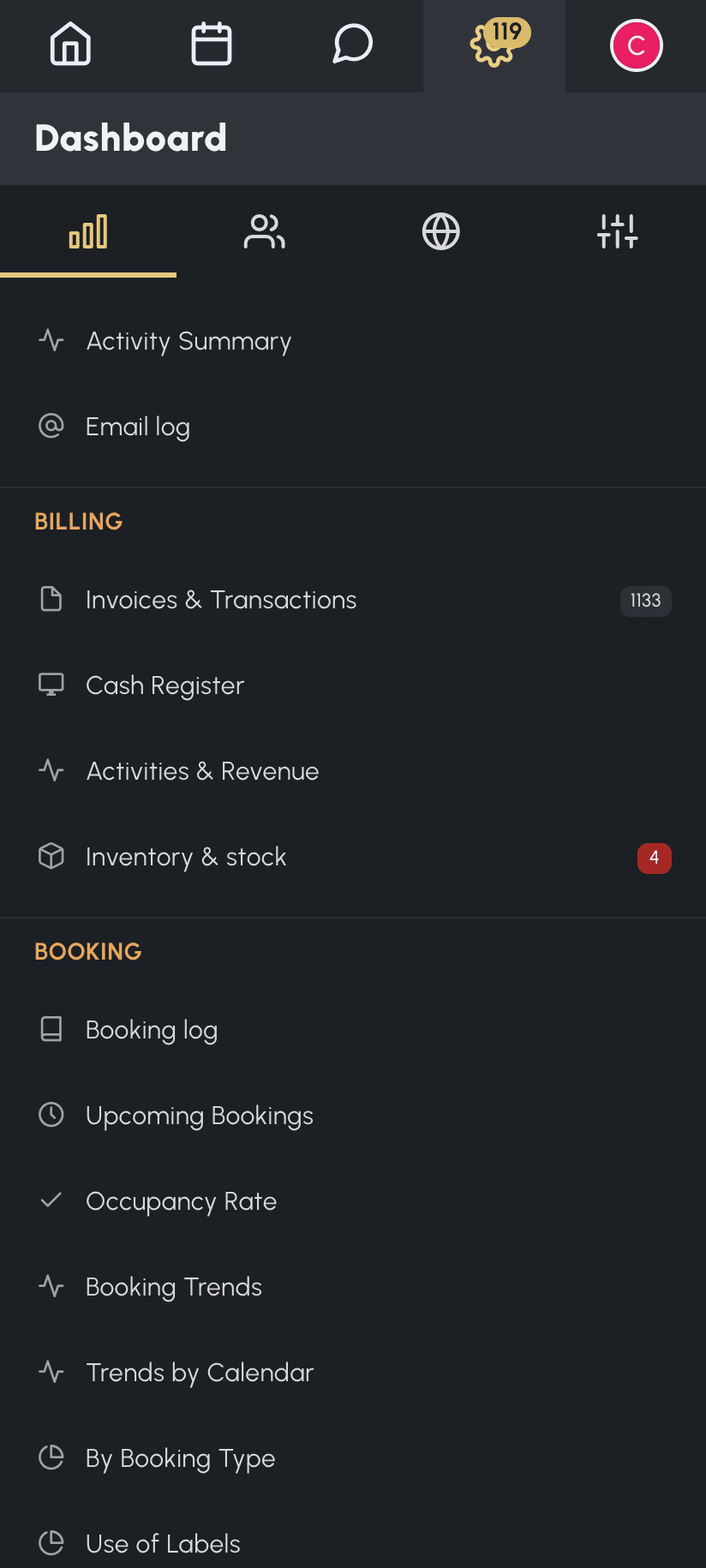 Charcoal theme |
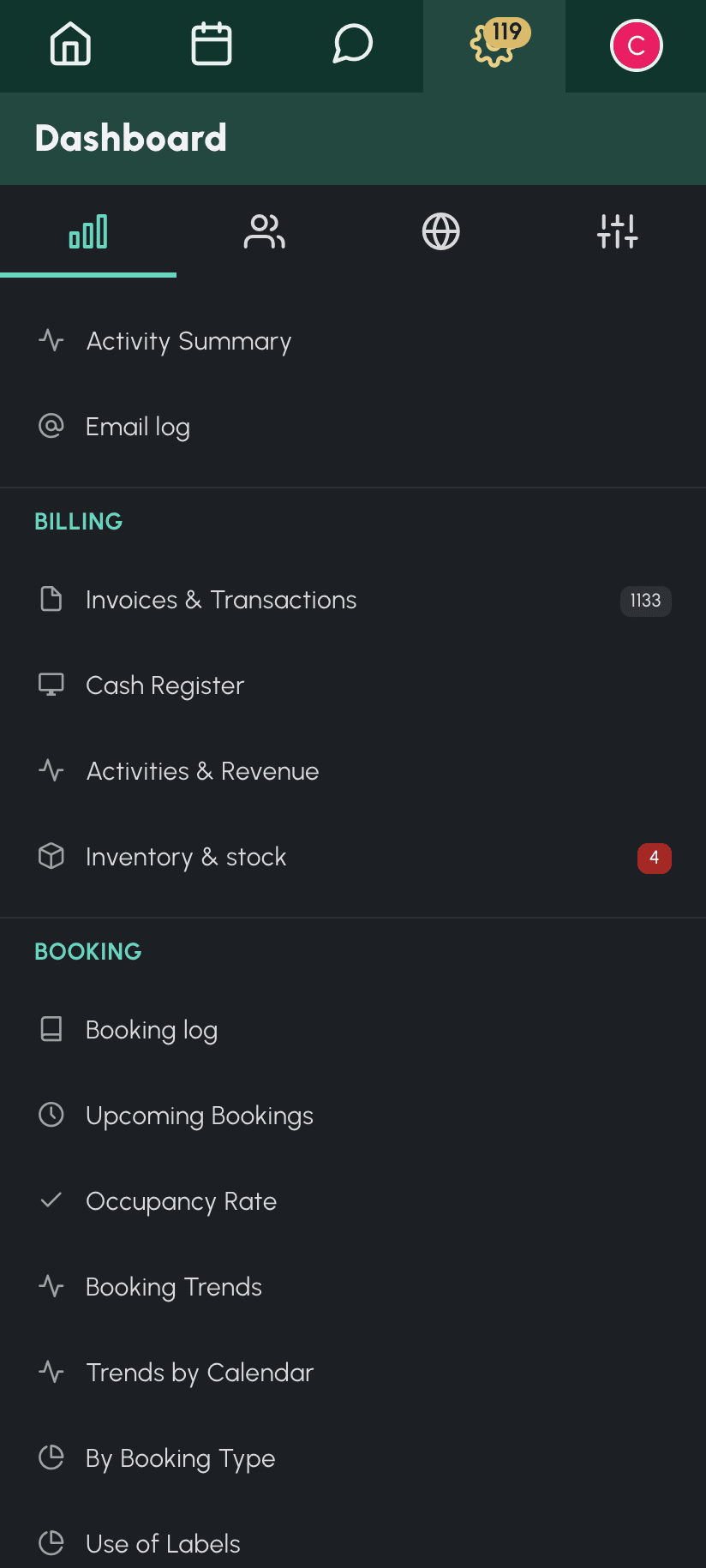 Teal theme |
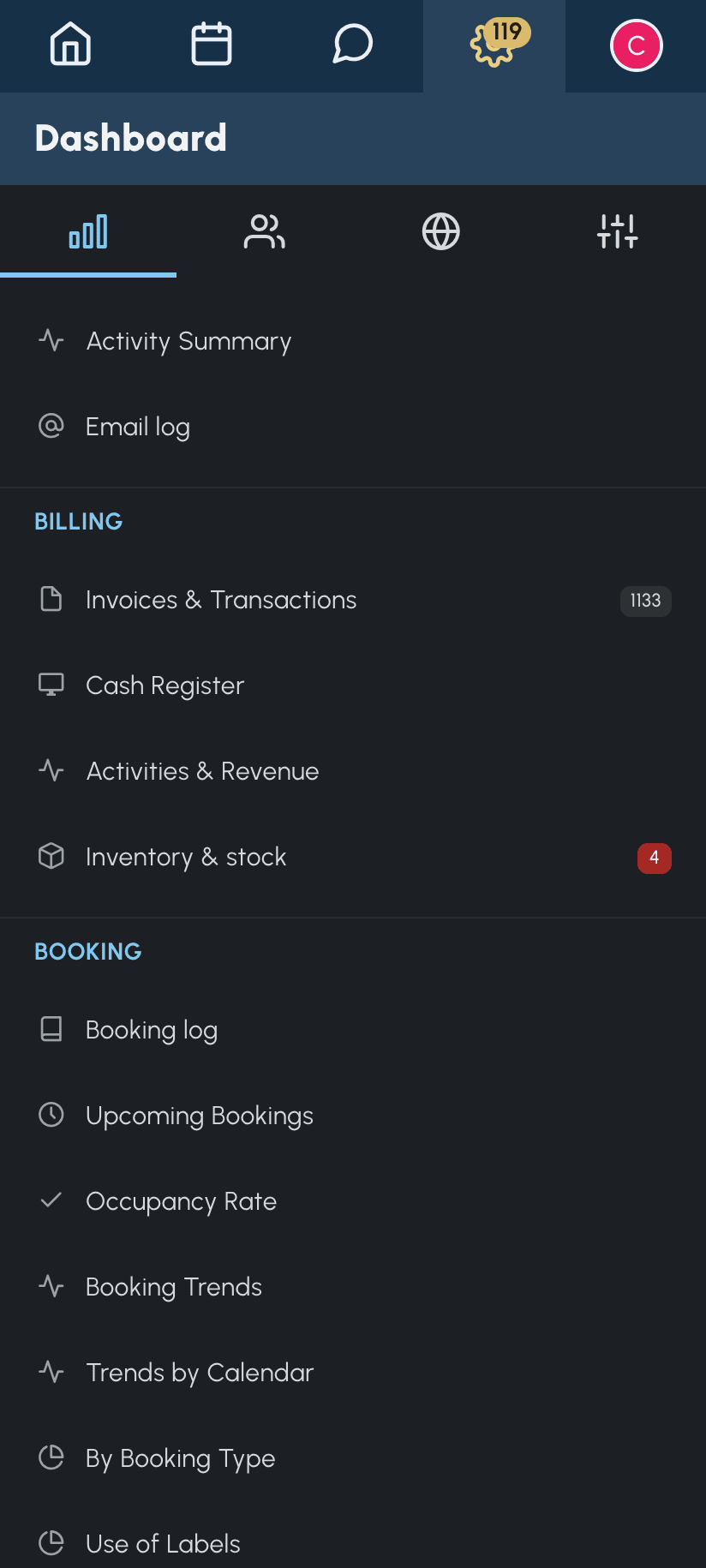 Ocean blue theme |
Open the My Account menu at the top of the screen. The Appearance line offers three choices:
The choice is saved to your account: you will find it on all your devices.
Visitors who are not logged in find the same setting at the top of your club's home page, next to the language selector. It is then remembered on their device.
So as not to surprise anyone, your club's pages stay light for all users, whether already logged in or not, until they choose another appearance.
Any questions about dark mode? Our team is here to help.
The OpenResa team at your service!