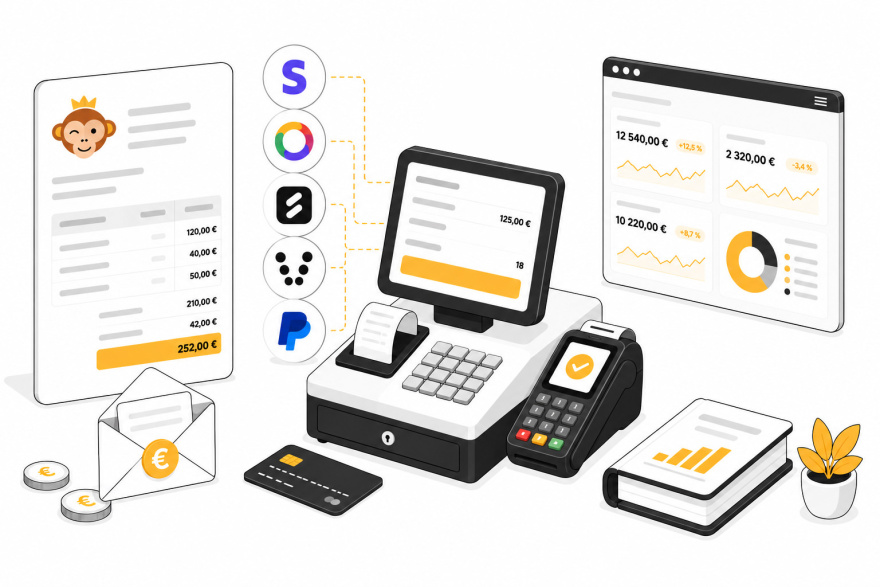
You asked us, and often: integrate HelloAsso, Stripe, and SumUp, enable online payment for subscriptions, sell more than just credits, issue purchase orders and generate invoices, checkout at the counter, offer promotional codes. It's available.
You don't have to do anything. Your payment settings, credit rates, and all your past transactions will be automatically converted: you will find your settings and history as they are, in the new modules.
Then it's up to you to go further, at your own pace, by creating your products and activating the Payments & Billing section on the subscriptions of your choice. This activation, subscription by subscription, opens online payment and renewal of their subscription to your users.
Discover all the new features in detail
Activation is done gradually, club by club. Want to be among the first? Contact us.
All payment gateways now share the same logic. An order, order lines, transactions, regardless of the payment method. It's the most profound change, and the least visible.
For each billing account, you decide what you accept: online payment by card, payment on-site at the reception, check, and bank transfer. In the last two cases, the check order, your postal address, your IBAN, and a unique reference are automatically presented to the payer. You can also authorize payment in installments: the invoice follows its status on its own, from pending to partially paid then paid.

Stripe is currently the most widespread online payment solution, and one of the simplest to set up. No key to copy: a button takes you to a secure Stripe page where you connect your existing account or create one directly. Back on your application, everything is configured, and a button allows you to test the connection.
The integration is complete: immediate checkout, automatic update of the invoice status, and full or partial refund from your application, without going through the Stripe dashboard. A refund made directly at Stripe is also reflected in your system.

SumUp is the most versatile of the three: it covers both online payment, with Apple Pay and Google Pay, and physical checkout. If you have a SumUp Solo terminal, you send it a payment directly from an order form or from the new cash register module. The amount is displayed on the terminal, the user taps their card, the invoice is automatically marked as paid.
The terminal is configured independently of your online gateway. Nothing prevents you from accepting online payments via Stripe and at the counter via a SumUp terminal. Pairing is done from the application, with a simple code displayed on the screen.
This is probably the most anticipated feature: your subscriptions can now be paid online, at registration and renewal. Each subscription is associated with a product and its pricing plans. The user chooses theirs, pays, and their rights are opened immediately, without any intervention on your part.
On the renewal side, a Manage my subscription button allows them to renew their current offer or switch to another, among those you open for change. A subscription that is about to expire triggers an automatic reminder.
A multi-activity club can have several accounting systems. The tennis section and the padel section can have their own treasury, their own bank account, sometimes their own association.
You can now create as many billing accounts as necessary. Each carries its billing details and IBAN, its payment gateway and payment methods, its own invoice numbering, and its accounting plan. Each subscription is then linked to the corresponding account: the padel subscription is billed by the padel section, without you having to think about it.
Everything you sell is configured as products, divided into categories: subscriptions, booking credits and guest credits, equipment, food, tournaments, lessons, courses, or free category.
For each, you define its price including tax and VAT rate, quantity thresholds, a stock with low-level alert, as well as a color and a photo that will populate your cash register tiles.
Offer 10% off registrations until June 30, €5.00 off credit purchases, or the referral discount of your choice.
Each code is finely configured: discount in percentage or amount, targeting all products or a selection, validity period, minimum purchase amount, usage quotas overall and per user. The user enters it in their cart, or you apply it yourself at the cash register.
A €300 subscription is easier to manage in three installments. You authorize installment payments, then set the maximum number of installments and the interval between them.
Two uses coexist. Independently, the user chooses to pay in three installments and pays their first installment; the following ones are automatically requested. Custom, you build the payment schedule from the order form: this is the classic case of three checks cashed on agreed dates.
Reminders are sent automatically by email, before the due date and in case of delay, with a direct payment link.
The payment journal gives way to a much more complete module. You create quotes, purchase orders, and invoices, with your products or free lines, a possible discount, and an email sending with a payment link. The PDF document is generated in your club's colors.
The same invoice can receive several payments of different natures: a deposit in cash, the balance by card. Refunds are made in full or in part, and you choose the transaction on which to apply them; the call to the online payment gateway is triggered for you when it allows (Stripe, HelloAsso, SumUp).
Here is the module that was missing for the clubhouse life. The cash register turns a tablet or computer into a point of sale: a grid of tiles on the left, the cart on the right. You tap a product, it adds, you checkout. The interface is also handy for generating an order or invoice on the fly.
You organize the grid to your liking, by category, pinning your best-sellers as favorites and rearranging the tiles by drag and drop. A sale can remain anonymous or be associated with a user whose account is credited immediately. Free amount, free quantity, occasional discount, and promotional code are at hand.
Checkout is done in cash, by check, by card, bank transfer, or by direct sending to the SumUp Solo terminal (TPE).
A dedicated dashboard complements the activity summary. You track your collected revenue and its evolution, the average basket, the outstanding to be collected, refunds, VAT collected by rate, distribution by payment method, average collection time, your best products, and your new customers.
A second tab reveals the seasonality of your revenue, month by month and day by day. A third measures the performance of your promotional codes: uses, discounts granted, and revenue generated.
Each indicator can be filtered by period, by billing account, and by subscription, and compared to the previous period or year.
Each billing account has its accounting plan, pre-filled according to your country and modifiable if your accountant works differently. You can even allocate your sales by product category or VAT rate, to separate, for example, teaching income from court rentals.
On the export side, you choose: a sales report in Excel or CSV, an archive of your PDF invoices, or a file of entries ready for your accountant's software — FEC in France, FAIA in Luxembourg, DATEV in Germany.
Important new feature: your application can now issue invoices in the Factur-X format, the standard chosen for French electronic invoicing. A perfectly ordinary PDF invoice, in which a data file is embedded that accounting software reads automatically. Many clubs, especially VAT-exempt associations, are not affected by the reform — ask your accountant. But if you are, everything is ready, and you just need to activate the option and enter your SIRET.
Your users have a complete purchase journey: a cart to group several products before paying at once, and a My orders space where they find quotes, orders, and invoices, and download their receipts in PDF. A banner alerts them when an order remains to be paid.
Automatic emails accompany each step: order confirmation, payment received with attached invoice, installment reminder, refund. The journey works as well on the phone as on the computer, and an invoice can be paid from the link received by email, even without being logged in.
Activation is done gradually, club by club. Want to be among the first? Contact us.
Discover all the new features in detail
The OpenResa team at your service!


