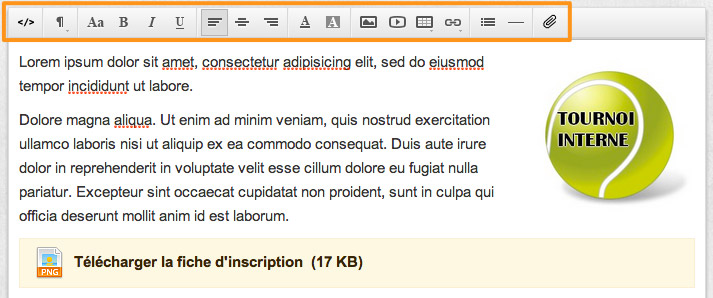
Communicate even more easily with custom pages on your Yellow Ball club page. Add formatted text, images, tables and even attachments (downloads).
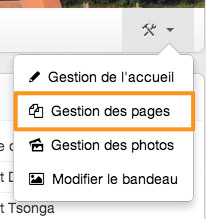
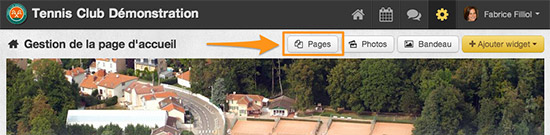
Go to"Administration > Home Management > Pages" or from the menu on your club page:
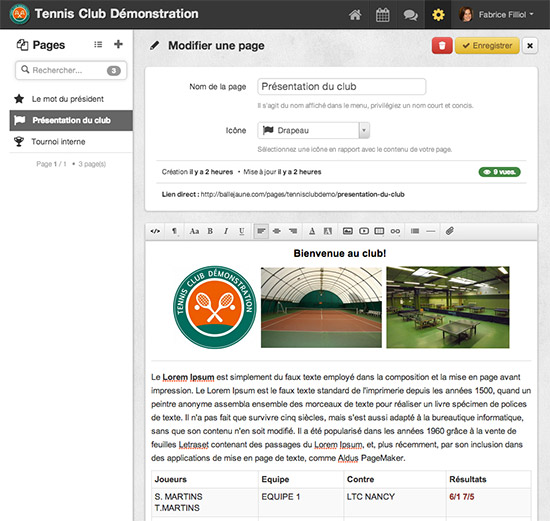
Here is an overview of the page management module:
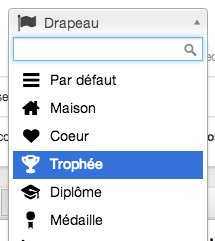
To customize your menu, we offer a selection of 40 icons:
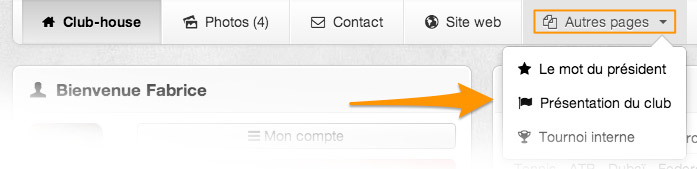
By default, your personalized pages appear in a sub-menu"Other pages" on your club page:
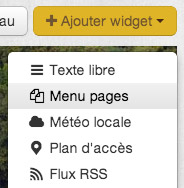
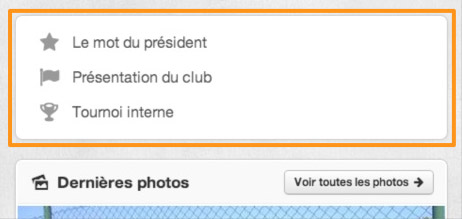
In addition, we recommend you to add a widget"Pages menu" in"Administration > Home management"
Feel free to send us your feedback on this update, either by e-mail or in comments of this article.
The BalleJaune team



